BOTTOM BUTTONS
The buttons on the bottom of the screen enable many functions. The first (left)
button is the REAL TIME button. The next is the TOGGLE MENU button, which
hides or shows the toggle menu to the upper left of the screen. The SUPPORT
button opens a Send a Message window that enables the user to send a
message to the Tech Support staff at Spy Tec Inc. The LOG OFF button
immediately allows the user to logoff and closes the map/real time view. The
ONLINE MANUAL button links to the Online Manual
(http://www.spytecgps.com/help/help.htm) and opens a new window with
given GL300 device instructions.
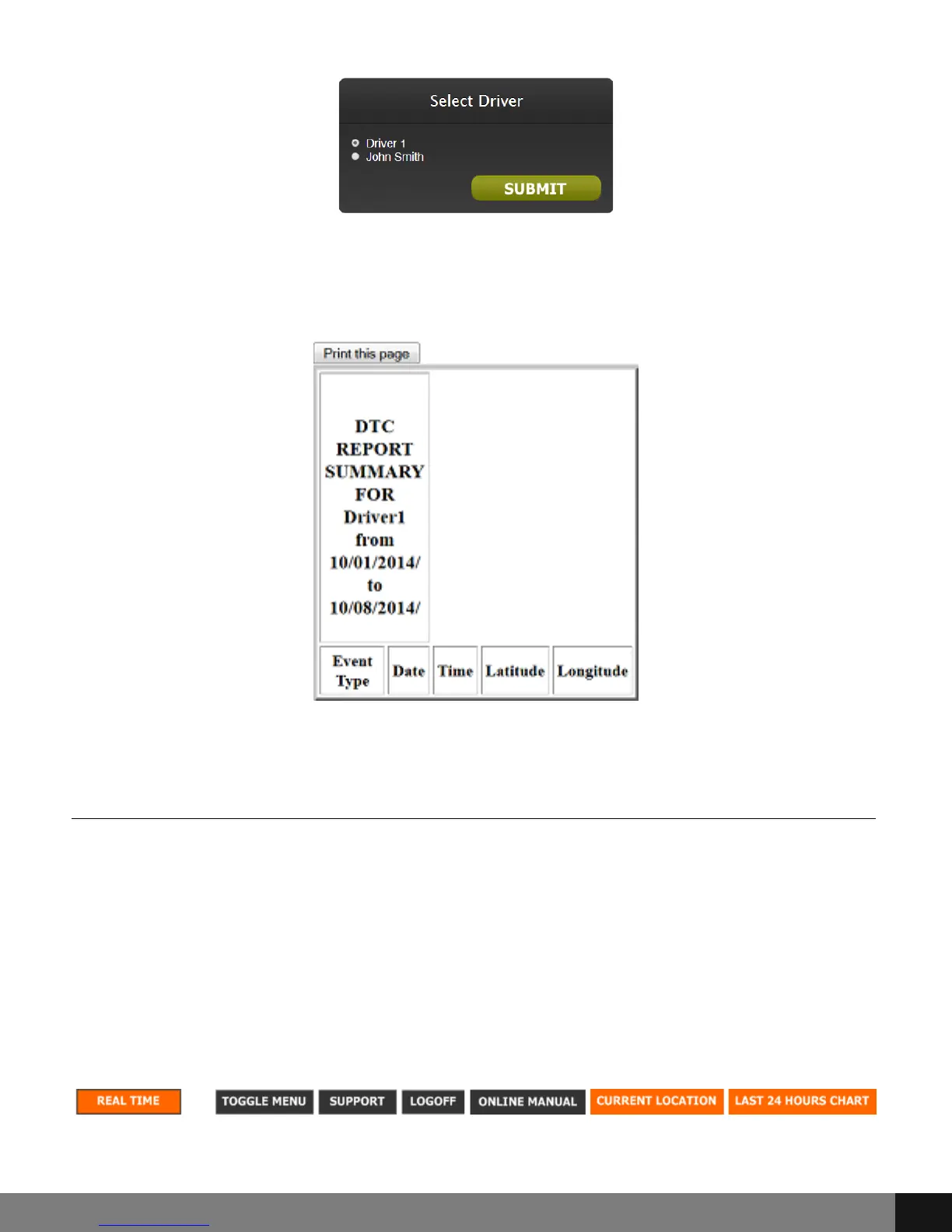
A report will pop up giving DTC values for the times indicated as per the
preferences given. Click the Print this page button to print the report
according to printer preferences in My Computer.
Spy Tec www.spytecinc.comSpy Tec www.spytecinc.com 26


 To Next Page