Real Time
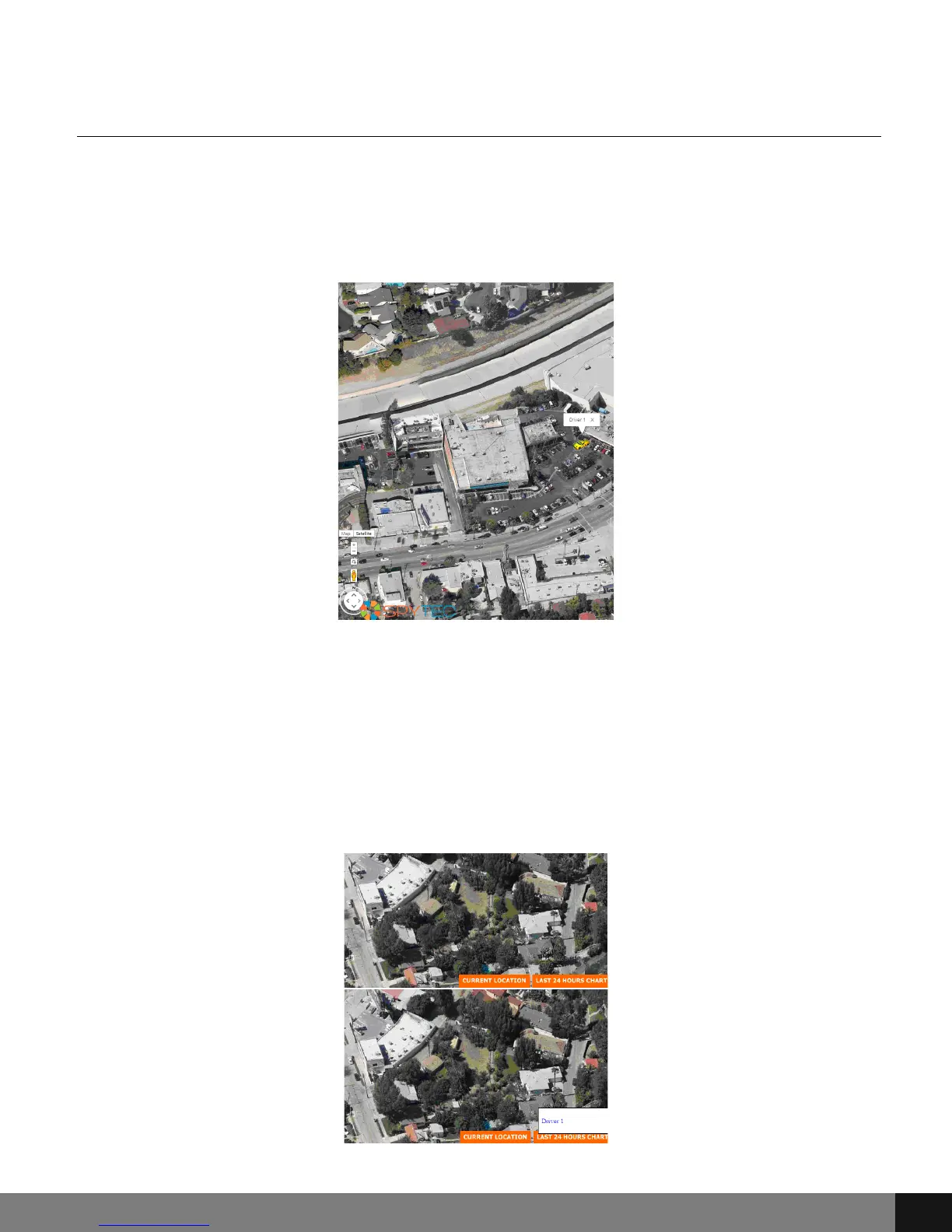
The first (left to right) button enables a Real Time view of the locator on
Google Earth. By pressing the Real Time button, a new tab or window will
appear in your browser with a locator by GPS device location coordinates and
Real Time view.
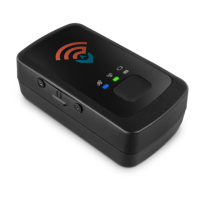
In the Real Time screen, there are two buttons at the bottom right of the
screen for CURRENT LOCATION and LAST 24 HOURS CHART. The CURRENT
LOCATION is a default setting when using the REAL TIME screen, whereas the
LAST 24 HOURS CHART button will create a chart of GPS tracker whereabouts
for the last 24 hours. Hover over the LAST 24 HOURS CHART button and then
click on the Driver to receive a chart of whereabouts for the last 24 hours.
Spy Tec www.spytecinc.comSpy Tec www.spytecinc.com 27


 To Next Page