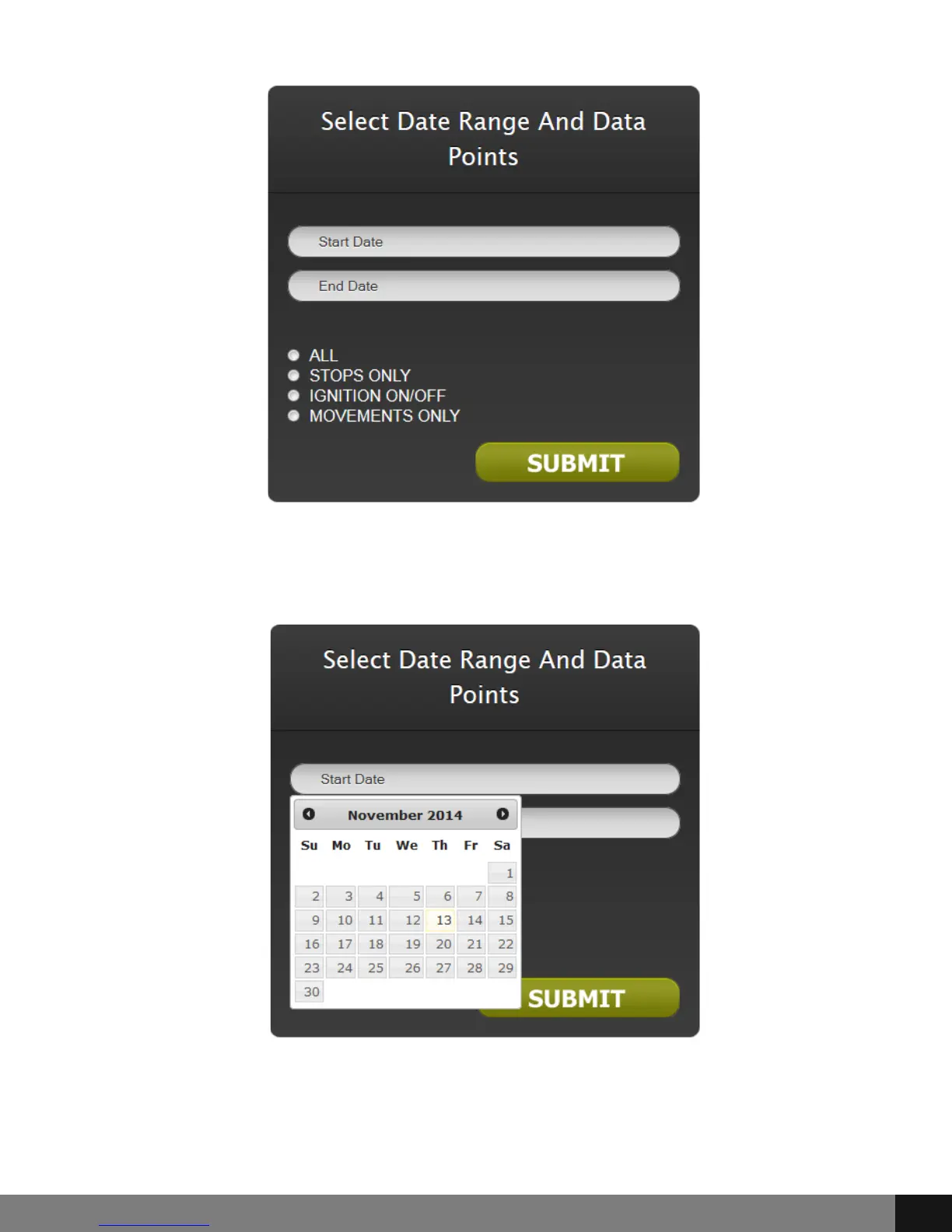
The TRACK HISTORY button allows you to View Track History by clicking the
View Track History link in a drop-down menu.
Choose the corresponding radio button for All, Stops Only, Ignition On/Off or
Movements only and click SUBMIT.
Spy Tec www.spytecinc.comSpy Tec www.spytecinc.com 16


 To Next Page