DocID025194 Rev 1 13/19
UM1671 Executing and debugging firmware using a software toolchain
18
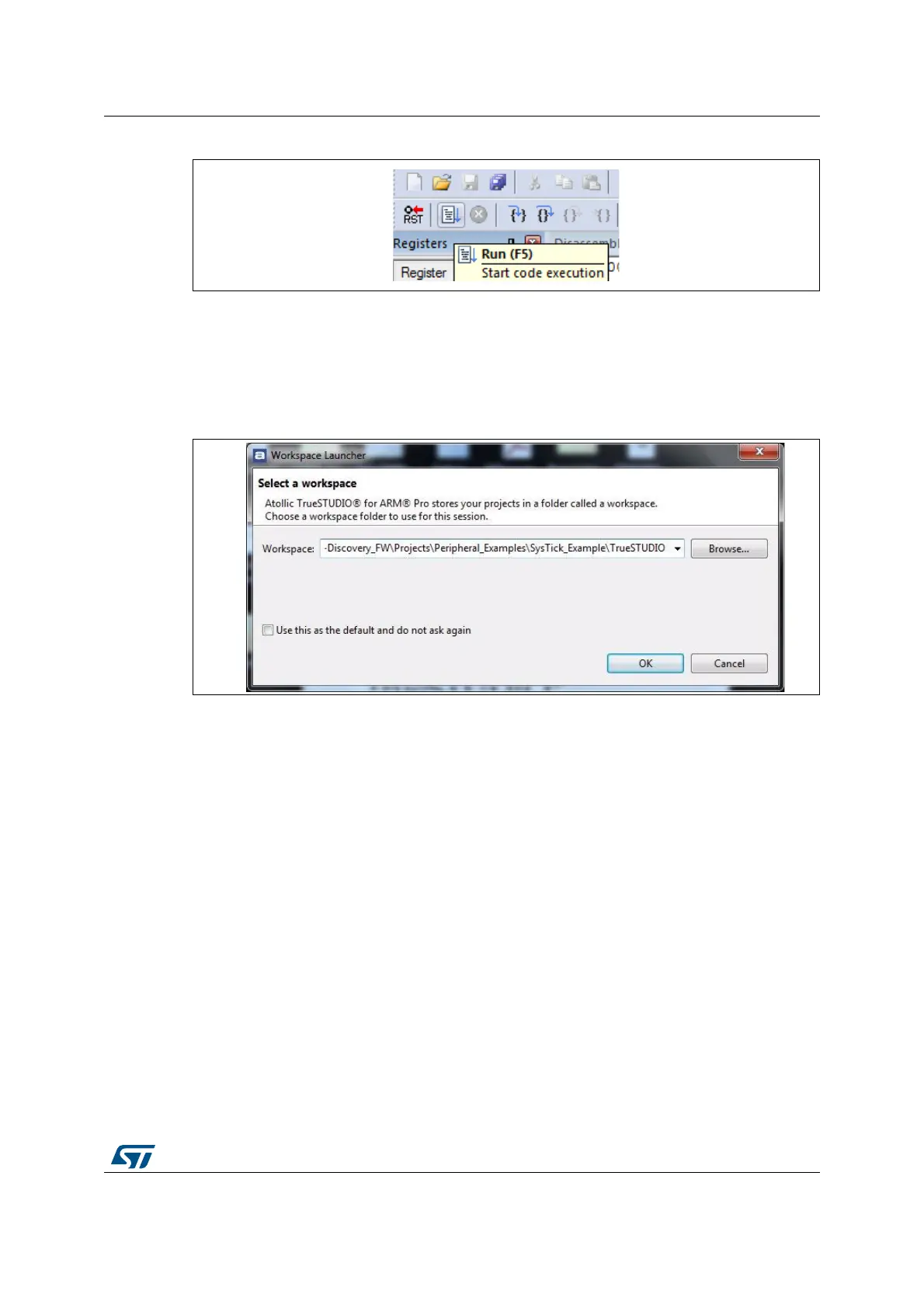
Figure 12. MDK-ARM Run button
2.3 TrueSTUDIO toolchain
1. Open the Atollic TrueSTUDIO® for ARM product. The program launches and prompts
for the Workspace location.
Figure 13. TrueSTUDIO workspace launcher dialog box
2. Browse to select a TrueSTUDIO workspace of either an example or demonstration or
template workspace file, and click OK to load it.
3. To load an existing project in the selected workspace, select Import from the File menu
to display the Import dialog box.
4. In the Import window, open General, select Existing Projects into Workspace and click
Next.






 To Next Page