DocID025194 Rev 1 5/19
UM1671 Getting started
18
1 Getting started
1.1 System requirements
Before running your application, you should:
1. install your preferred Integrated Development Environment (IDE),
2. install the ST-LINK V2 driver from the ST Website,
3. download the STM32F401 Discovery firmware from the ST Website,
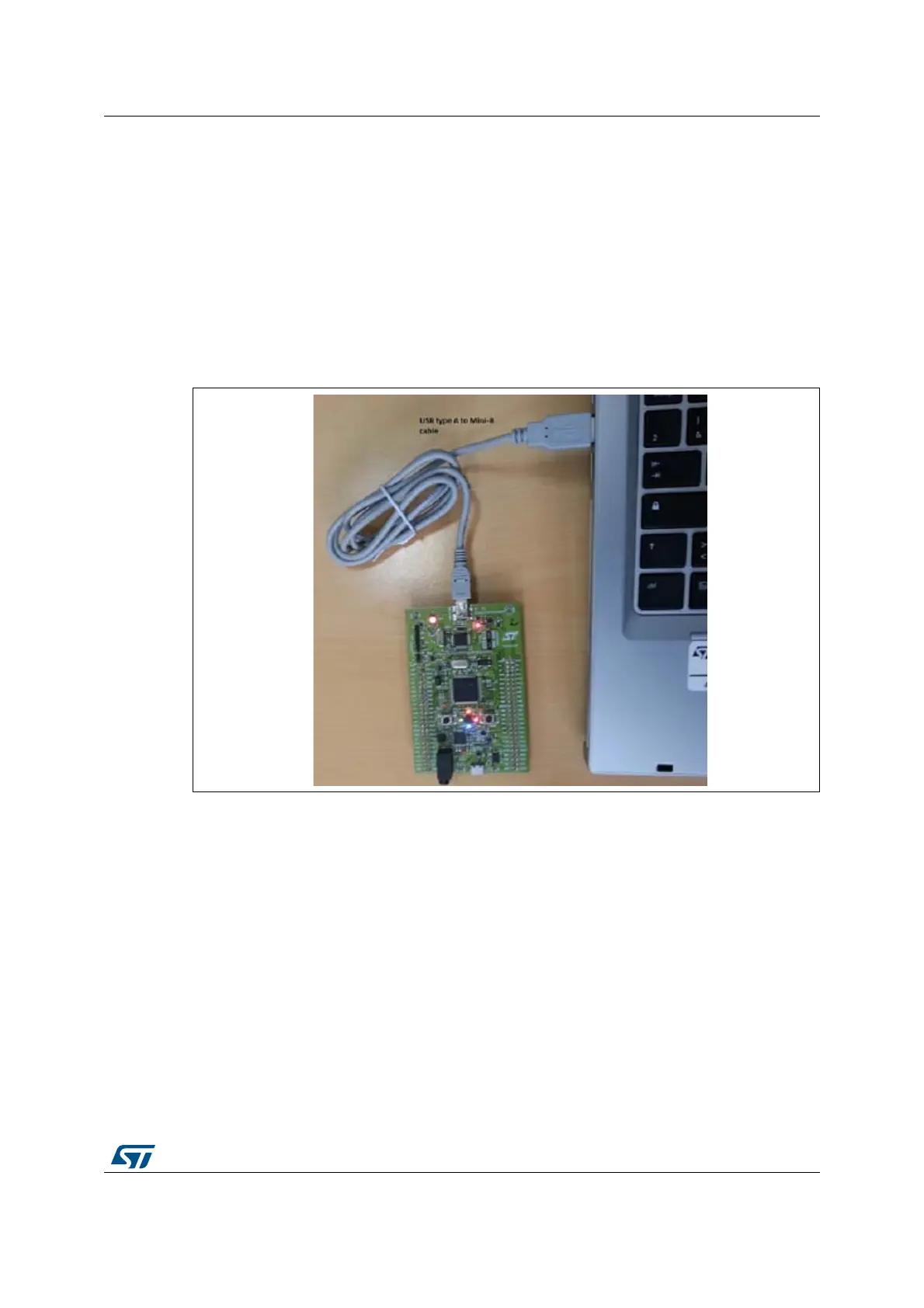
4. establish the connection with the STM32F401 Discovery board as follows.
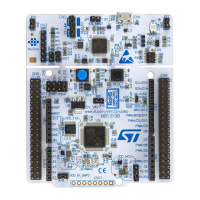
Figure 1. Hardware environment
The above steps will be detailed in the following sections.
To run and develop any firmware application on your STM32F401 Discovery board, the
minimum requirements are as follows:
Windows PC (2000, XP, Vista, 7)
“USB type A to Mini-B” cable, used to power the board (through USB connector CN1)
from host PC and connect to the embedded ST-LINK/V2 for debugging and
programming






 To Next Page