CLOSING THE SAFE
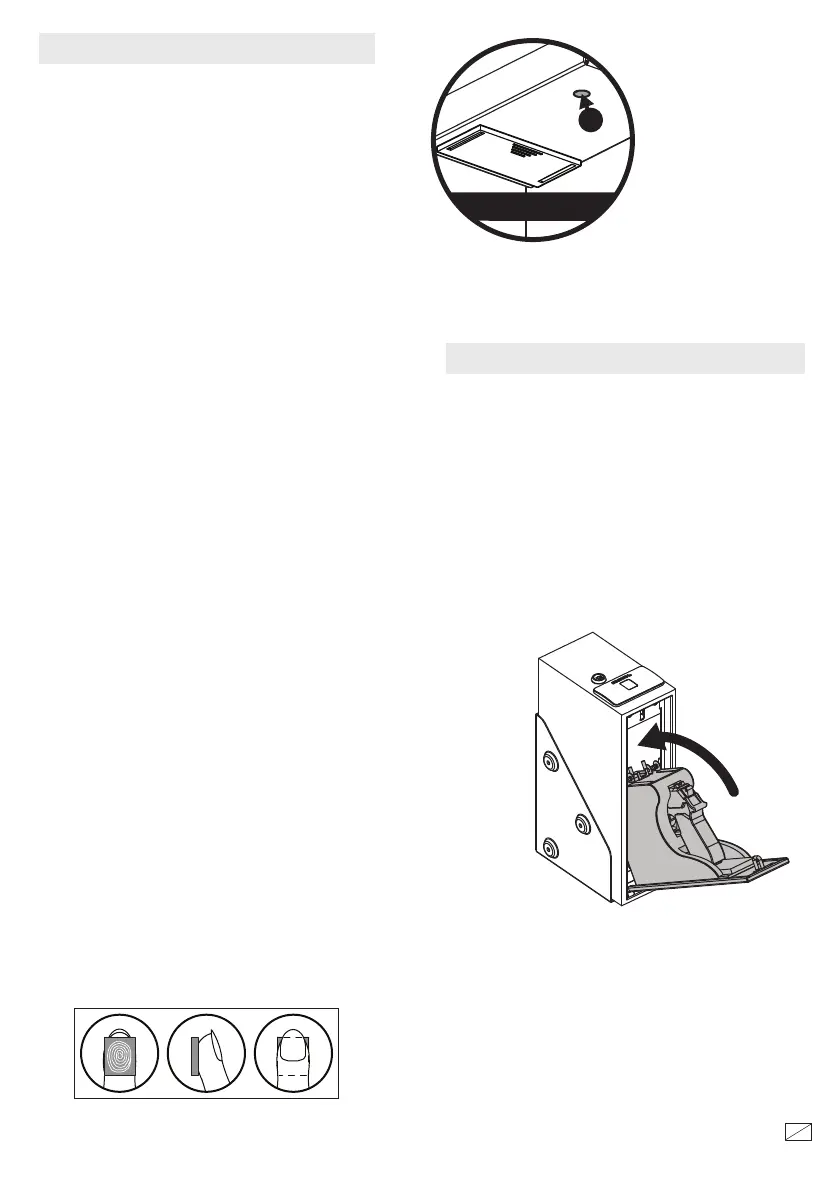
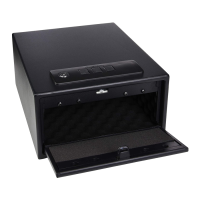
Li up the up the holster compartment until
the L shaped brackets clear the inside of the
frame. Rotate the L bracket back so they point
to the top of the safe and then push them out
towards the safe body which will hold the
holster compartment up. en rotate the L
brackets back into the guides on the back of the
holster compartment.
Close the compartment and hold it closed
until the green light goes on and the unit
beeps.
NOTE: Reset buon is only
accessible when the locking
mechanism is in the un-locked
position.
NOTE: To verify your ngerprint the
locking mechanism must be in the
locked position.
NOTE: When closing the safe with a pistol in the
holster compartment, make sure the pistol does
not interfere with the frame of the safe.
40667-1512
3
15
Inside safe
Reset Button
3
Inside safe
RECORDING FINGERPRINTS
When you rst receive your safe there are no
recorded ngerprints. For security you must
record a ngerprint. Failure to do so will
compromise the safety and security of the safe.
You can record up to 20 dierent ngerprints
for opening the safe.
To record a ngerprint, rst press the Reset Buon on
the inside of the safe. e scanner will turn blue with
two beeps (if the sound is turned on) and the blue
light ashes twice, you will then record the same
nger three times as follows:
1. Press the scanner with the selected nger
until there is one beep (if the sound is turned
on) and the green light ashes once. Li your
nger o the scanner.
2. Press the scanner for a second time with the
same nger (holding the nger in a slightly
dierent position) until there is one beep (if
the sound is turned on) and the green light
ashes once. Li your nger o the scanner.
3. Press the scanner for a third time with the
same nger (holding the nger in a slightly
dierent position) until there are two beeps (if
the sound is turned on) and the green light
ashes twice. Li your nger o the scanner.
If the red light ashes three times with three
beeps (if the sound is turned on) your ngerprint
did not get recorded and you will have to start
over.
Your ngerprint is now recorded.
If you try entering more than 20 ngerprints, the
red light will ash 5 times and there will be 5
beeps (if the sound is turned on).
For convenience, record several dierent ngers
and record the most used nger several times.
Position nger on scanner as shown below.



 To Next Page