4. Brief Operating Instruction
10
4. Brief Operating Instruction
1) Turn on the power switch at the rear of UroMeter 120.
- System checking and calibration will be performed automatically
and standby mode will be shown.
2) System configuration (5.5 System Configuration)
- Set up the required environment such as Language, Display unit,
Printer enable or not.
3) Set current time (5.3 System Clock Set)
4) Put Patient/Specimen ID (5.7 Registration)
5) Measurement (5.8 Measurement)
Put strip on the tray
6) Review test results stored in data base.
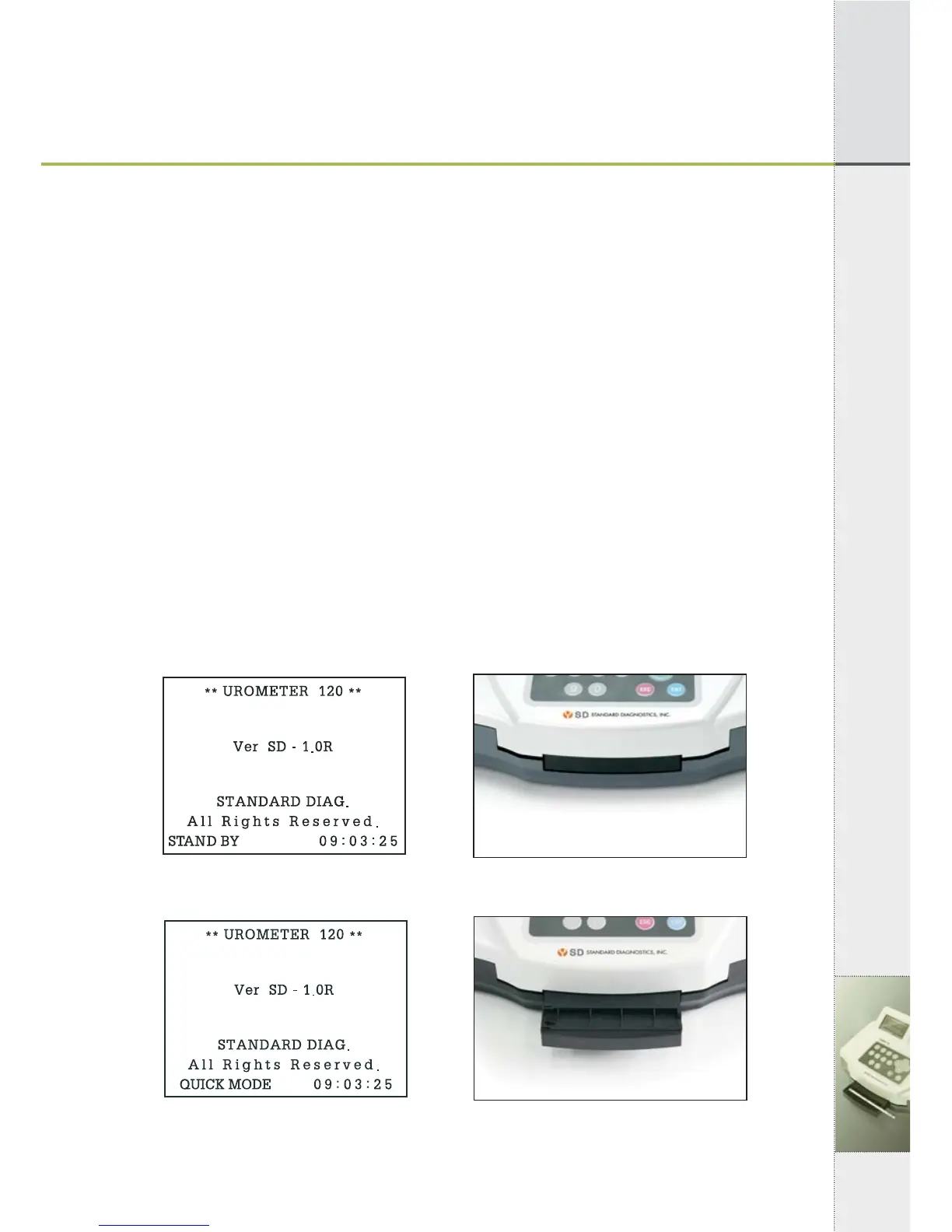
4.1 Preparation of Loading Plate
Prepare Loading Plate as following.
Everytime pressing "ENT" at "Stand By Mode", screen and loading
plate show as below.
[Fig 4.1] [Fig 4.2]
[Fig 4.3] [Fig 4.4]
▶
▶


 To Next Page