2. System Installation
04
2. System Installation
2.1 Components
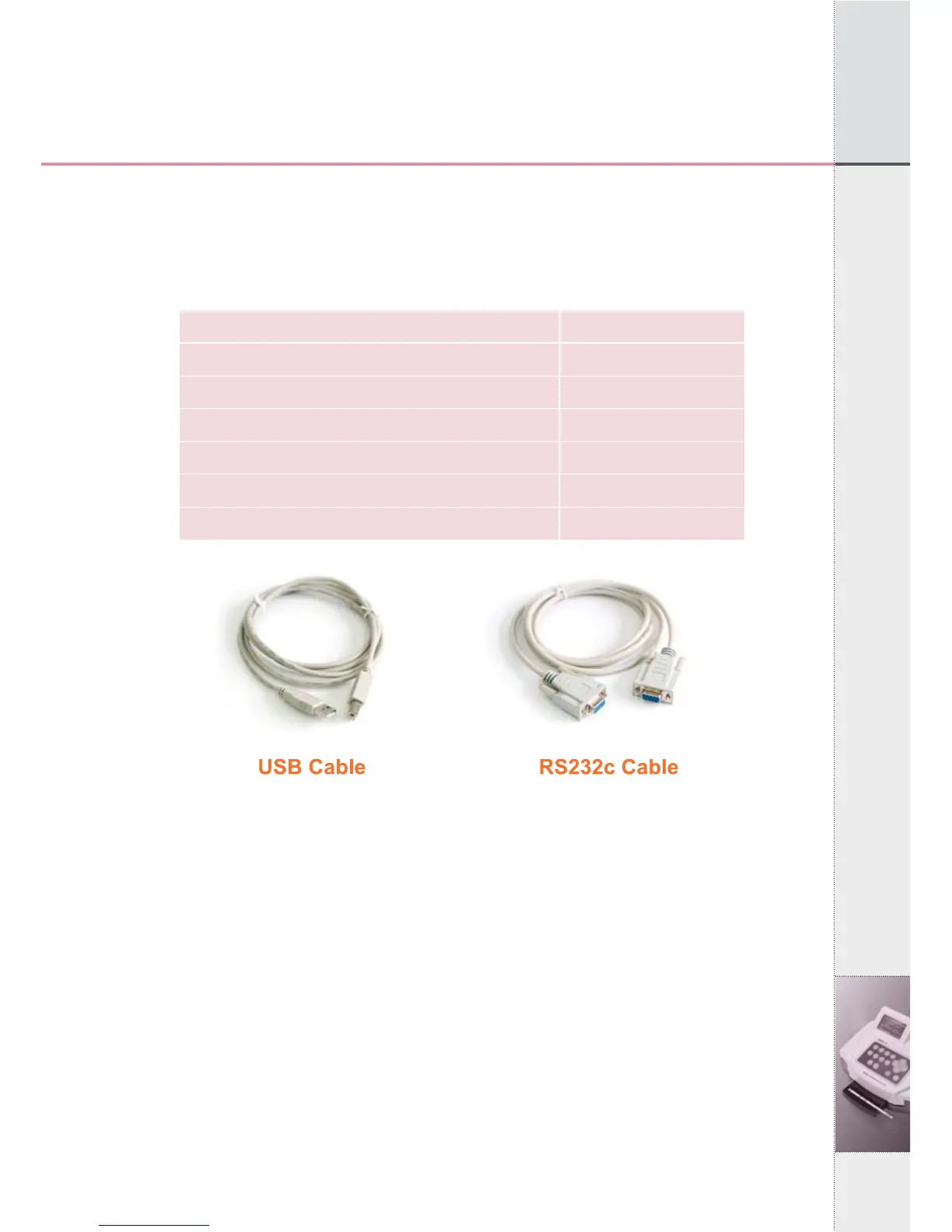
After opening the packing box of UroMeter 120, check that all the
items in the list below are available in the package.
[Fig 2.1] Components of an UroMeter 120 set
2.2 Interfacing System to PC
1) Connecting Power Cable & Adapter to DC12IN at rear, left side
of UroMeter 120.
2) Then connecting one end of RS232c Cable to PC and the other
end to COM1 of UroMeter 120.
3) Or, connecting barcode reader to COM2 of UroMeter 120. (The
baud rate of barcode reader should be 9600bps.)
Item
1. UroMeter 120
2. Printing Paper
3. Power Cable & Adapter
4. RS232c Cable
5. USB Cable (AB type)
6. User Manual
Quantity
1
1
1
1
1
1


 To Next Page