14
5. Specific Operation Manual
- Beep Sound Enable (Beep or Silent)
If selecting YES, beep will sound while operating UroMeter 120.
- Set Baud Rate (PC)
The speed rate can be selected while transferring data between
UroMeter 120 and PC, each other. At normal condition, 115.2
should be selected.
- Set Display Unit
The unit of test results can be set with mg or mol.
- Strip Type
The strip type which you want among SD UroColor 4~11can be selected.
- Select Language
Selecting one language among 5 languages of English, French,
German, Spanish and Italian.
Only, the name of each item changes to selected language on
printing paper or on LCD display.
- Printer Enable
Printer ON or OFF by selecting YES or NO.
If you select YES, test results will be shown on both LCD and
printing paper.
- Display I/O count
This is for displaying the number of loaded strips and analyzed
strips on LCD with a large character.
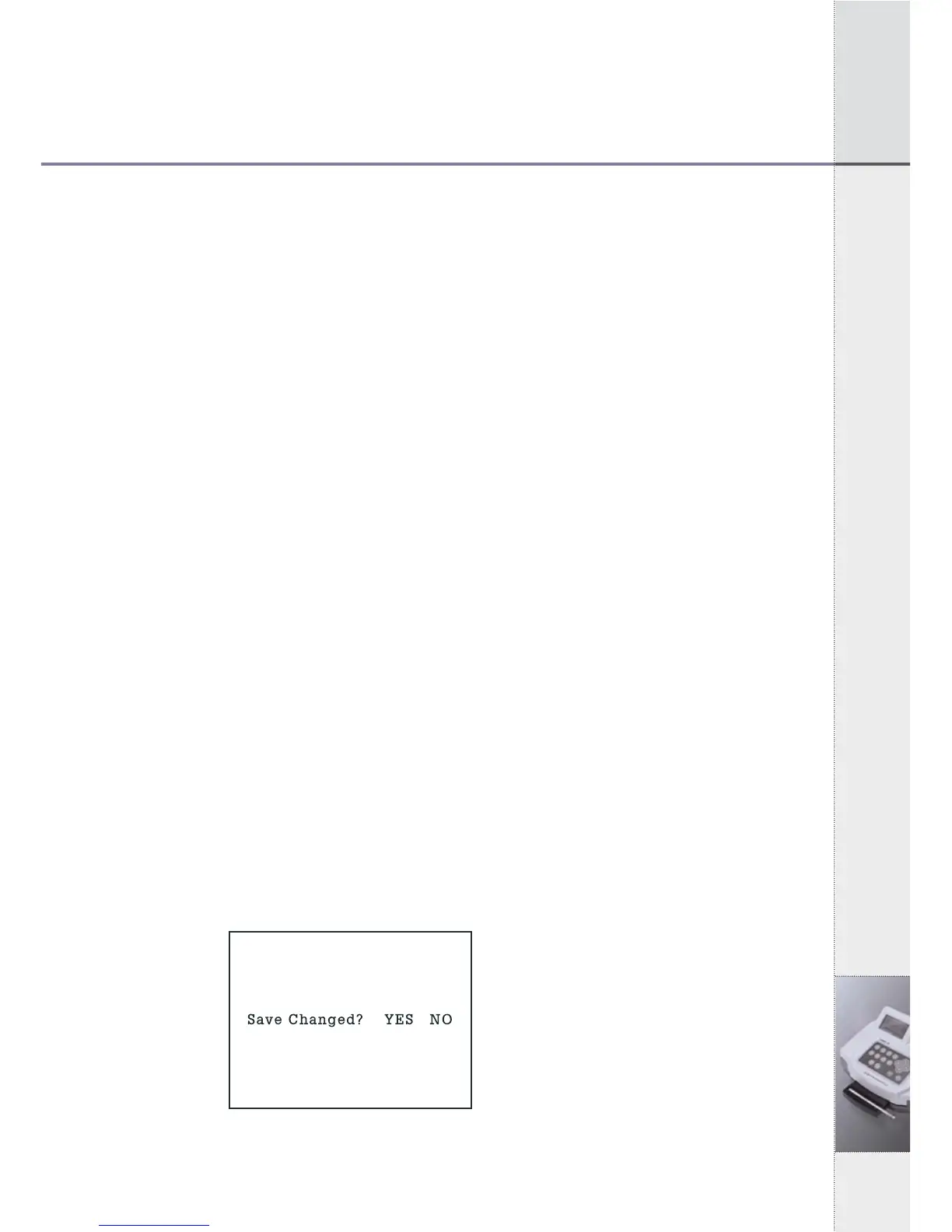
2) When you finish selecting all conditions, press ESC key. If there
is no change from last conditions, you will return to System
Control Mode. But if there is any change, a question to confirm
changed conditions will be shown on the display, as below.
If you select YES and press ENT key, you will go back to System
Control Mode.
[Fig 5.4.1]
System Configuration
Confirm Mode


 To Next Page