14
To view manuals, videos, drivers, downloads, technical drawings, and more visit www.startech.com/support
Setting Up a Printer in Windows
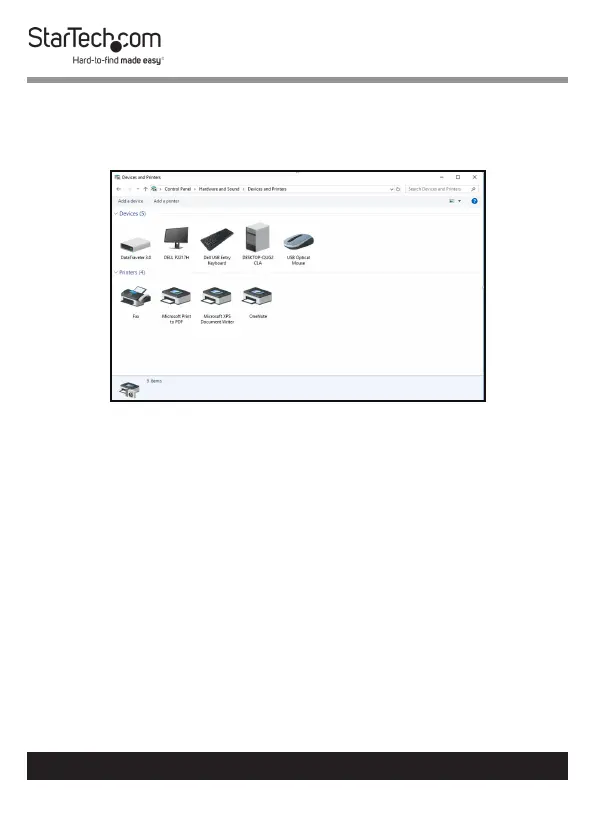
1. Navigate to the Control Panel screen and select the Devices
and Printers icon.
Device and Printer Screen
2. Click the Add a Printer link at the top of the screen.


 To Next Page