25
To view manuals, videos, drivers, downloads, technical drawings, and more visit www.startech.com/support
• Server UP-Time: The amount of time the server has been
operational.
• Web Page Version: The latest web page version number.
• Device Information
• Device Name: The name of the connected device
• Link Status: The link status of the connected device
(wether it is linked to the print server or not)
• Device Status: The status of the connected device.
• Current User: The user name of the user currently using
the device.
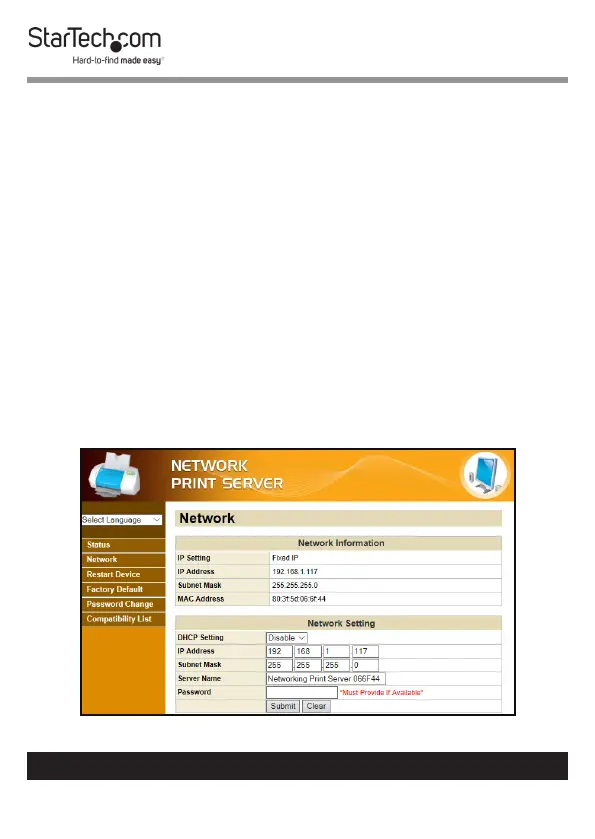
Viewing/Conguring Network Settings
1. From any screen on the Network Print Server Web
Interface, click on the Network Link.
2. The Network screen will appear.
Network Screen


 To Next Page