10
To view manuals, videos, drivers, downloads, technical drawings, and more visit www.startech.com/support
Setting Up the Print Server Using the Software
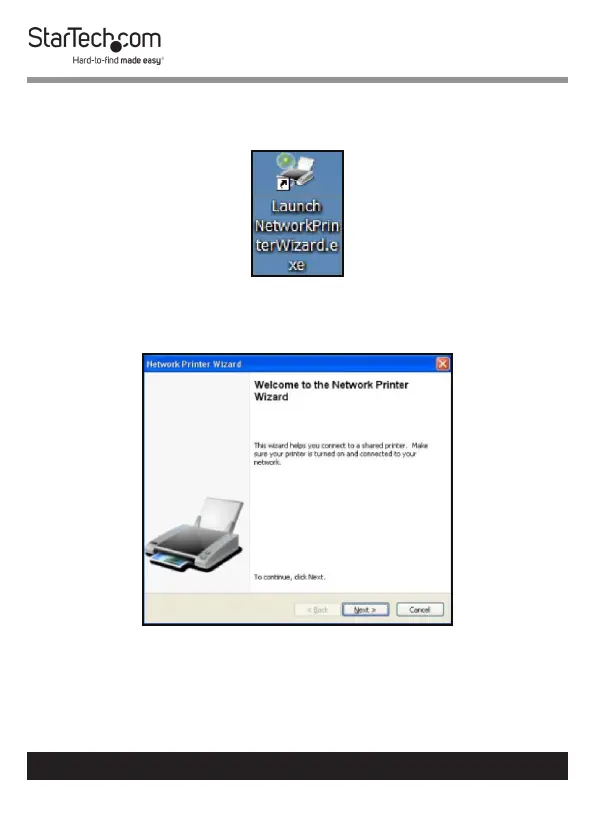
1. Click the Network Printer Wizard shortcut on your desktop.
Network Printer Wizard Shortcut
2. The Network Printer Wizard will appear.
Network Printer Wizard


 To Next Page