24
To view manuals, videos, drivers, downloads, technical drawings, and more visit www.startech.com/support
3. The Menu will refresh with the selected language loaded.
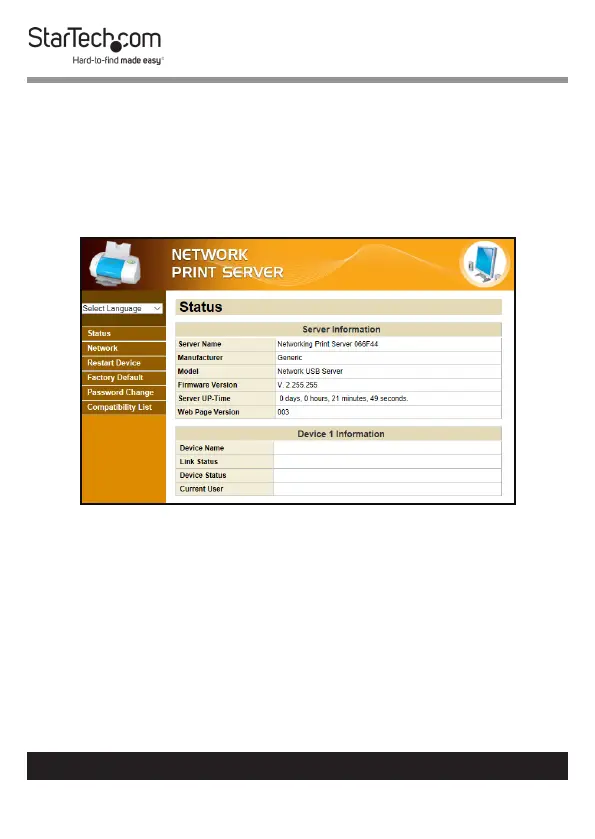
Viewing Server Information/Device Information
1. From any screen on the Network Print Server Web
Interface, click on the Status Link.
2. The Status screen will appear.
Status Screen
3. The following information is available on the Status screen:
• Server Information
• Server Name: The name of the server
• Manufacturer: The name of the manufacturer of the
server
• Model: The server model
• Firmware Version: The latest rmware version number


 To Next Page