11
To view manuals, videos, drivers, downloads, technical drawings, and more visit www.startech.com/support
3. Click the Next button.
4. Select a Printer from the list to setup and click the Next
button.
Note: If no Printers are listed, make sure that the Printer
and the LPR Print Server is powered on and connected to
the network.
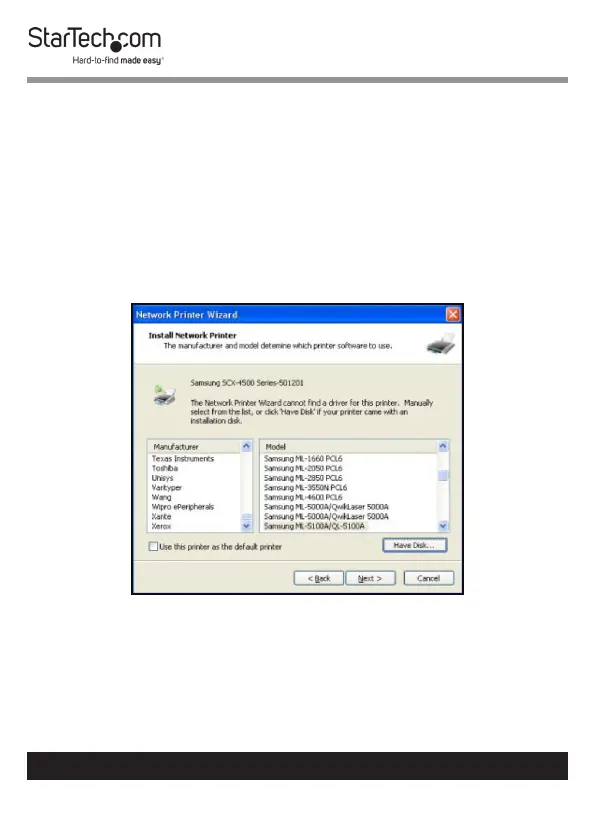
5. Select a Driver from the list and click the Next button,
proceed to step 9.
Select a Driver from the List


 To Next Page