12
To view manuals, videos, drivers, downloads, technical drawings, and more visit www.startech.com/support
6. If the Driver is not listed either insert the Driver CD that
came with the printer into the Host Computer’s CD or
DVD Drive and click the Have Disk button or or access the
printer’s manufactuerer website to download the required
driver.
7. Navigate to the correct Driver folder based on the printer
and click on the Driver folder.
8. Select the correct Driver and click Open. The Driver will
now appear on the list of drivers within the Network Printer
Wizard.
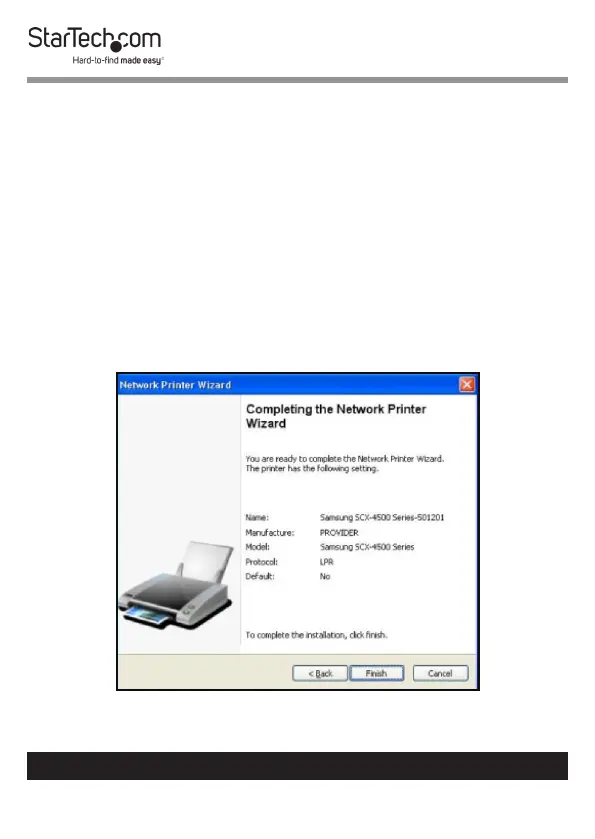
9. When you have selected the correct Driver from the list click
the Finish button.
Click on the Finish Button


 To Next Page