EasyManua.ls Logo

Static Power iSTS W - Page 14

Default Icon
30 pages
Print Icon
To Next Page IconTo Next Page
To Previous Page IconTo Previous Page
Loading...
iSTS W
– User Manual
Page 12
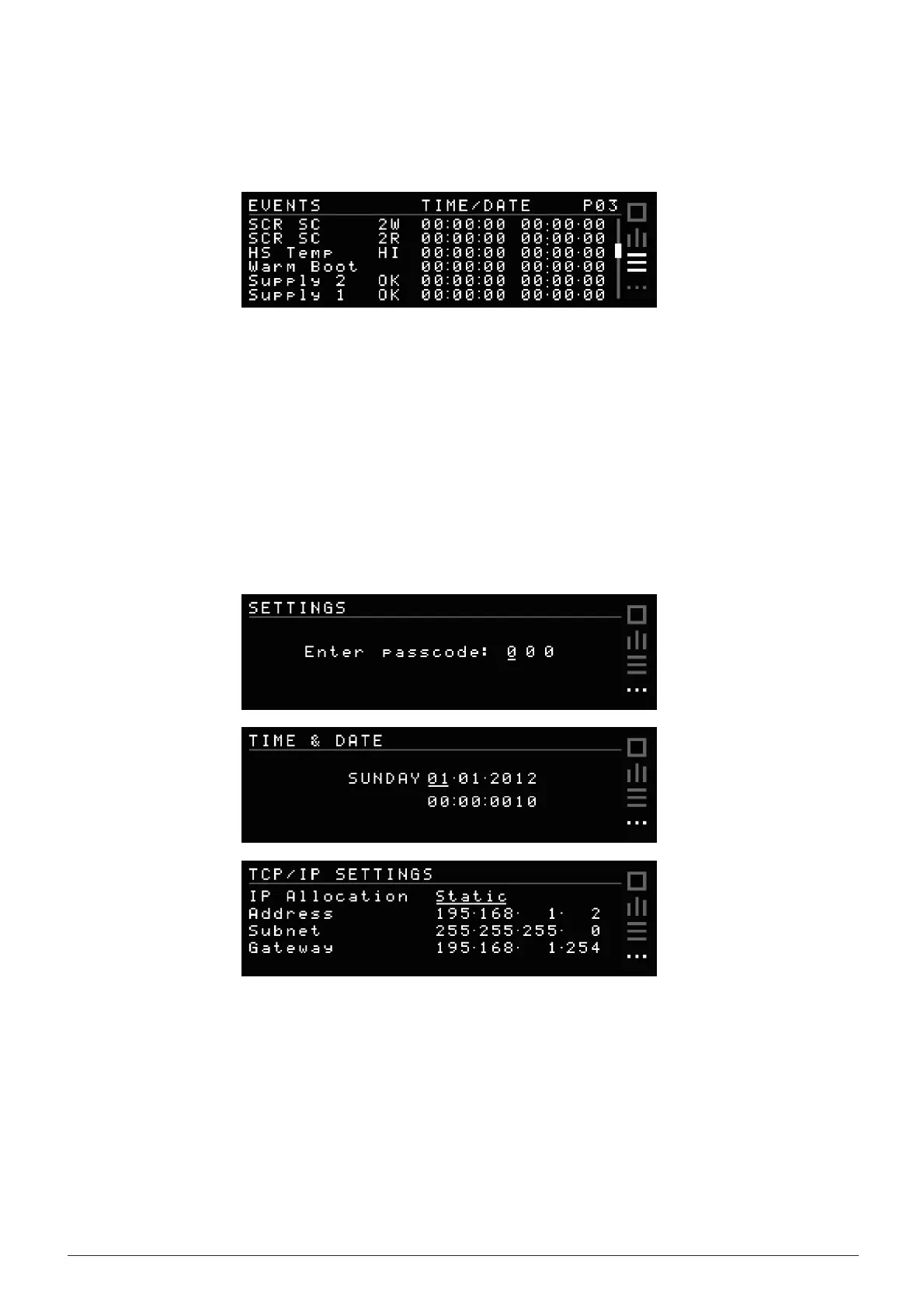
EVENTS
SCREEN
Use
Up and Down to scroll through 200 logged events. Once the buffer is full, the oldest events will fall from
the
buffer
and get replaced by any new events. Refer to Event Codes section under Fault Diagnosis for
code
descriptions
.
SETTING
SCREEN
To
enter a passcode, use the navigation buttons left and right to change digits and up and down to change
the
value
.
Entering the default passcode 0 0 0 gives access to the Time & Date settings screen.
Entering the default passcode 1 2 3 gives access to the TCP/IP settings screen.
IP
Allocation can be set to Static and entered manually, or set to Dynamic (DHCP) where the device will
be
assigned
an IP address automatically. Refer to the Web Interface section for instructions on accessing
advance
settings
.
iSTS W