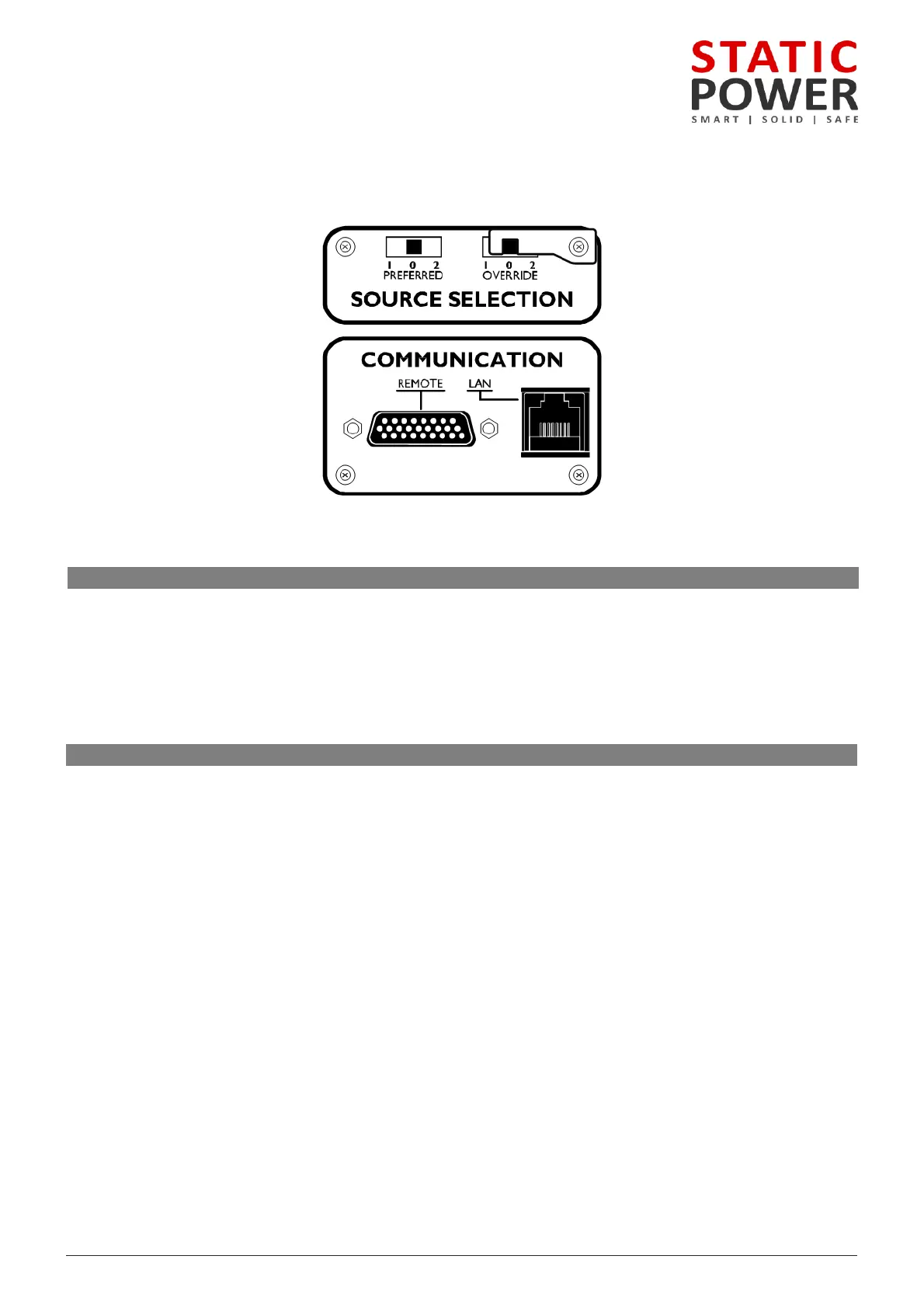
switch allows the preferred source to be set to Supply 1, Supply 2 or None (0), which will take affect
the preferred source is set to None (0) on the iSTS software. Refer to the Web Interface section
on changing the preferred source through LAN connectivity.
the iSTS has transferred the critical load to the alternate source, the iSTS will automatically transfer back to
again when the preferred source is within tolerance and after a pre-set settling delay, typically
the override switch to 1 or 2 will force the iSTS to stay on that supply even if faults are detected on
. This switch overrides all other settings. It should not be used to transfer the critical load between
: The override provides control logic bypass only, it does not provide an alternative path for the load power.
WARNING! The override switch initiates instantaneous transfers and may transfer faults to the load.
WARNING! Never attempt to operate the OVERRIDE switch if the supplies are not in synchronism. There is no
interlock to prevent the switch from being operated when the supplies are not available or not in
synchronism. Refer to the LCD variables display and mimic diagram to check the synchronism state, (SYNC LED
will be RED, variables display will show degrees out of synchronism. Only operate when less than 10 degrees).
If the control is not operating you may need to use other means to determine that the supplies are in
synchronism. Do not operate the OVERRIDE switch onto an absent supply.



 To Next Page