11
Status Pro – T430 User Guide
The prone positioning is also possible
without any attachments.
2.4 Starting the T430
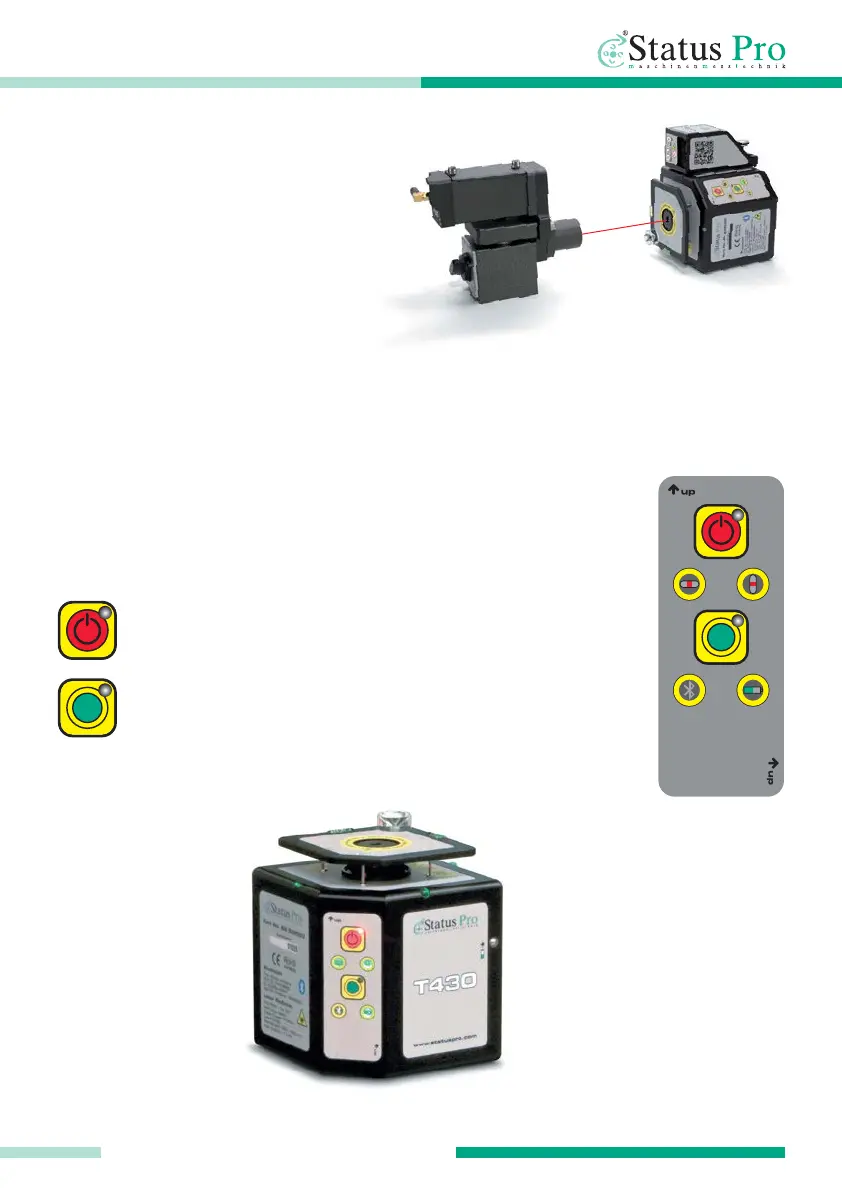
The narrow front side houses the necessary buttons to start the
T430 Rotational Laser.
Turn the T430 on by pressing the power button, turn off by
pressing the button again.
Pressing the button once starts the rotation of the laser beam.
Pressing it again starts the levelling. Pressing the button
a third time stops the rotation and the levelling.
GETTING STARTED



 To Next Page