17
Status Pro – T430 User Guide
The RC310 receives and displays a new value every 500ms, signalised by a “click”.
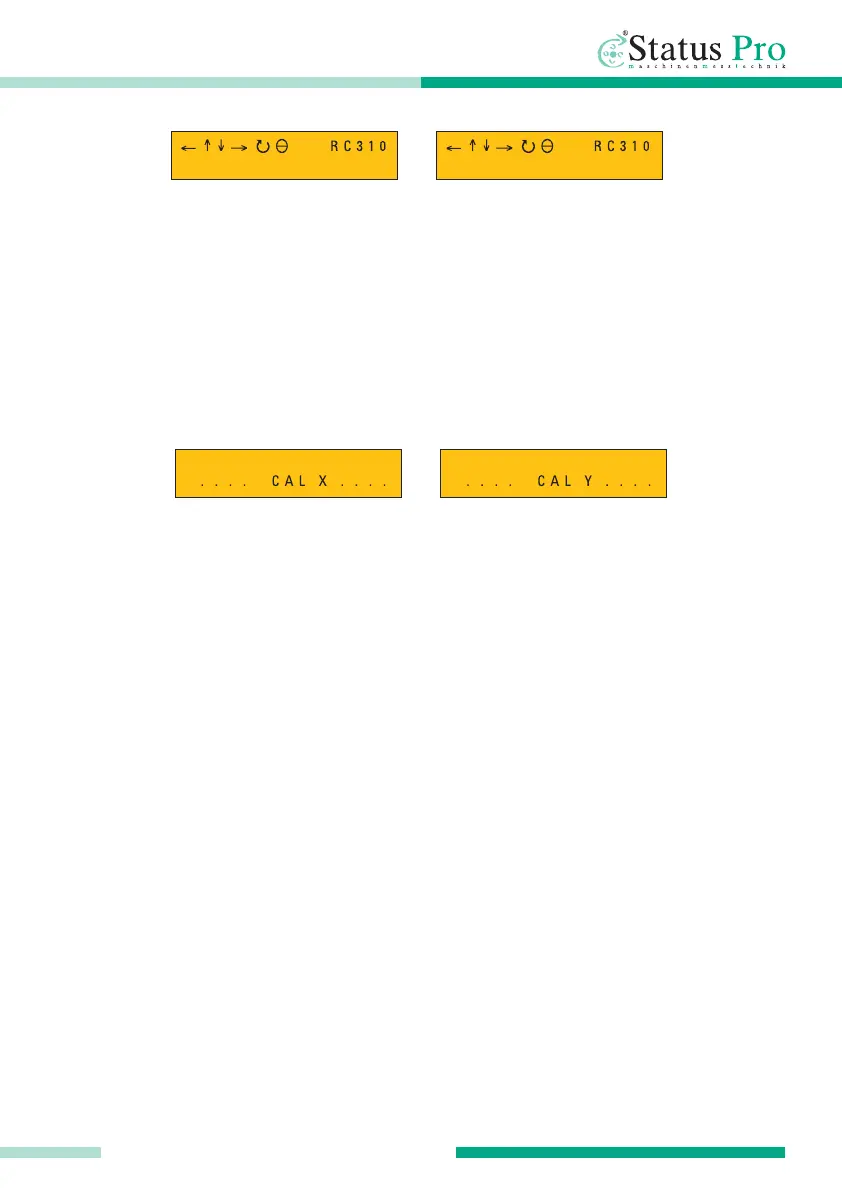
Calibration command from the RC310
For Information only, when the R310 has sent a command to the T430 for re-calibration,
the axis which has been calibrated will be shown in the RC310 display.
Please observe the following:
• To ensure trouble-free operation, ensure that nothing obstructs the line of sight
between RC310 and its receiving instrument
• “Point” the RC310 in the direction of its receiving instrument
• If the remote distance range is drastically reduced, replace the battery as a first
action. To do this, remove the RC310 from its protective rubber casing , then open the
battery cover on the reverse side of the housing. The battery is a 9-Volt block battery
• The maximum operating range of the RC310 is 50 metres
• The R310 can only send a signal when a laser beam is being measured
• When an IR signal is interrupted, the last received value will be displayed for
approx. 2 seconds
RC 310 REMOTE CONTROL
1 . 2 3 m m X - A x i s 3 . 2 1 m m Y - A x i s



 To Next Page