15
Status Pro – T430 User Guide
3.3 Configuring the RC310
To enter the configuration menu press and hold the ▼ button, then press the ▲ button
as well.
Change settings: ▼ and ▲ buttons
Change menu level: and buttons
When moving from one menu level to another, the previous settings will be saved to mem-
ory. After reaching the last level in the menu the RC310 returns to normal operational
mode (Menu Exit).
The configuration includes the setting of the language (German, English and French),
the setting of the unit of measurement (metric, anglo-saxon), the contrast and the switch-
off time. In addition, the software version, the internal checksum, the battery voltage and
temperature are displayed as well.
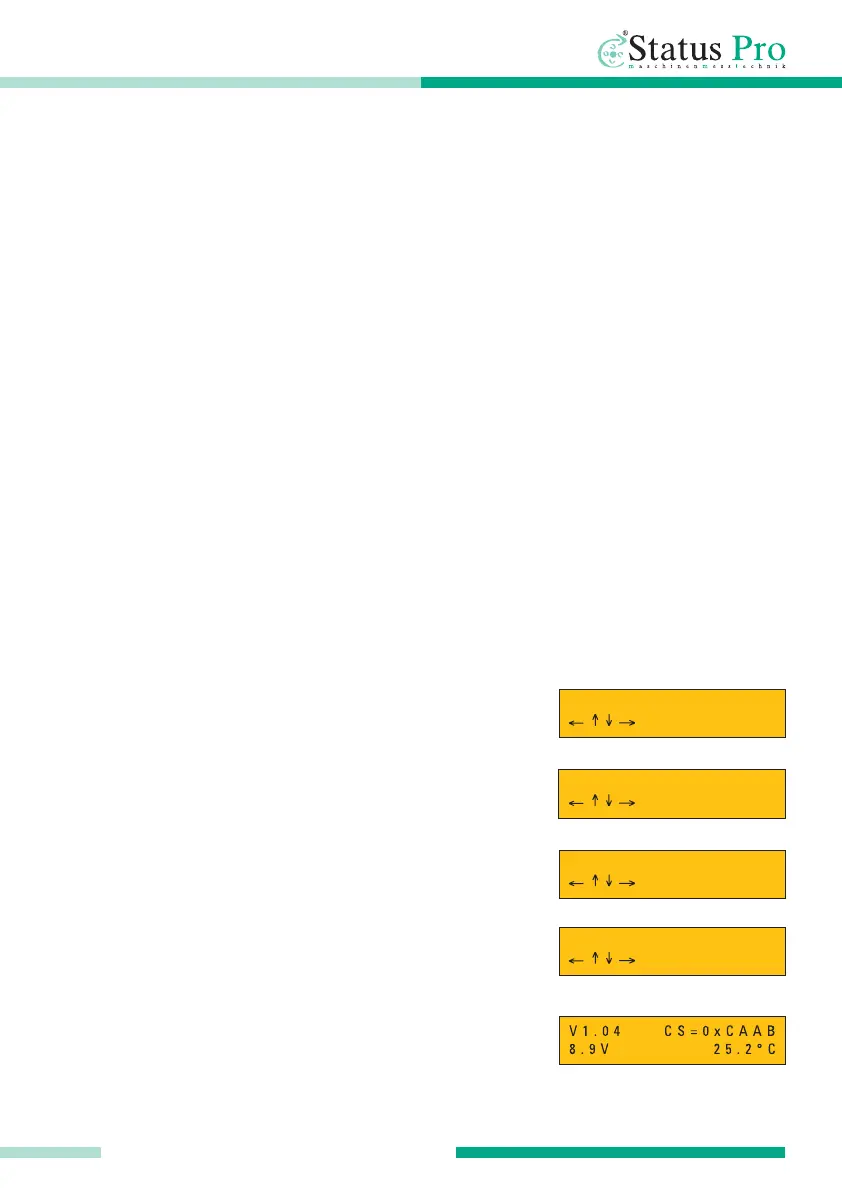
Configuration menu
Language: German, English and French
Units: mm or inch
Display contrast: 0 - 63
Auto turn-off time: 2 – 240 min / Off
Instrument information: software version, internal check
sum, battery level and temperature
▲
▲
RC 310 REMOTE CONTROL
L a n g u a g e : E n g l .
U n i t : m m
C o n t r a s t : 4 0
T u r n o f f : 1 0 m i n



 To Next Page