Installation 31
1. Determine that the
mounting location
for the 10621 crane
is at least 20” x 21”
(50.8 x 50.8 cm).
2. Use the detail on the
pr
evious page to
drill 1.06” diameter
holes into the
mounting plate. Run
tap on the threads
of the base to be
sure they are clean.
3. Use a crane or lifting device capable of lifting the weight of the Stellar crane. The Stellar
10621 weighs approximately 2150 lbs (975 kg). Note: cranes are shipped with rotation
positioned at 200 degrees of 400 degree system. This will allow for easy installation of the
crane and per
manent connection of all hydraulic and electrical components prior to
repositioning into the crane saddle.
4. Connect straps or chain from the lifting device to the
lifting rings on the Stellar 10621.
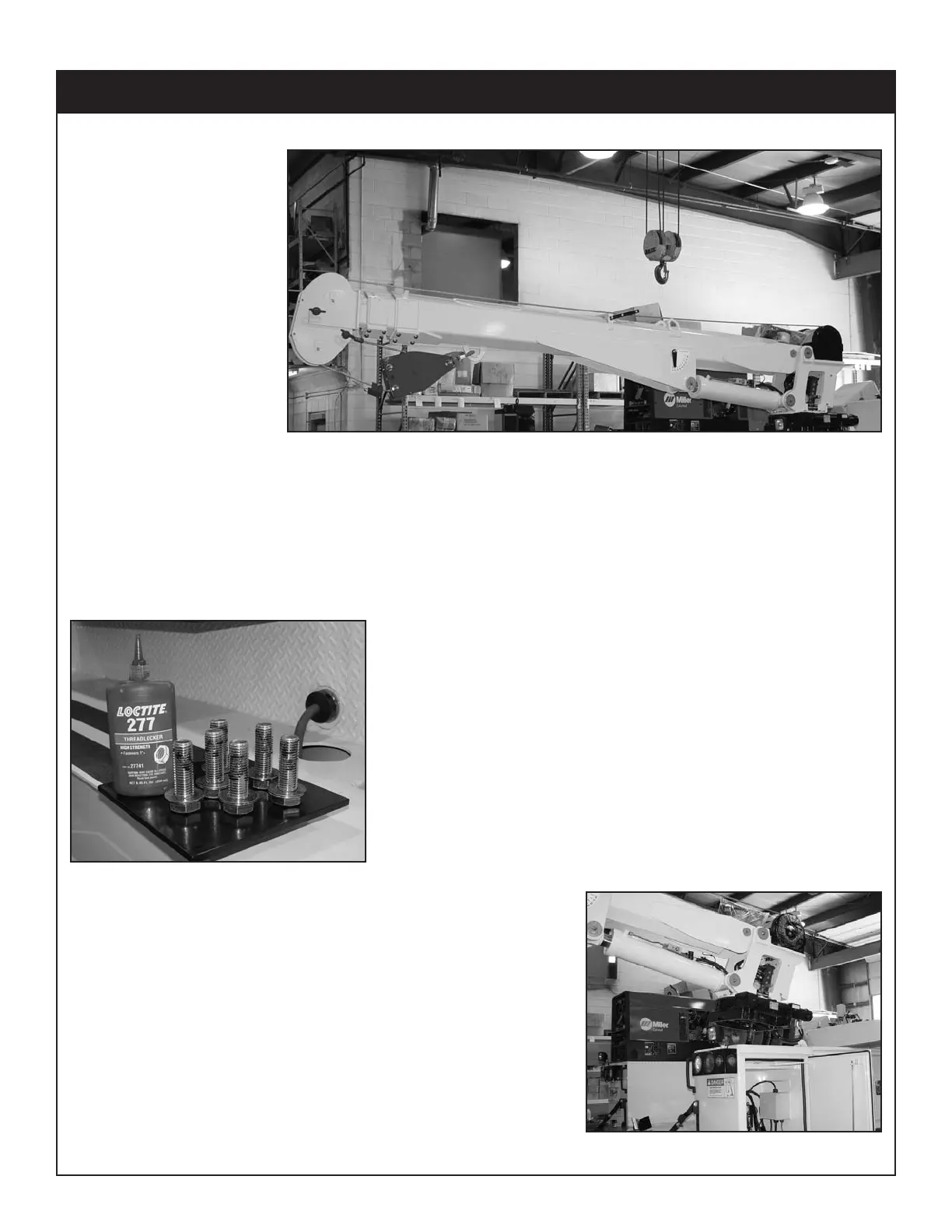
5. Use six (6) 3” x 1” #8 bolts and six (6) #8 flat washers.
6. Install a washer on each bolt.
7. Apply Loctite Thread locker #277 to the bolts.
8. Using the lifting device, lower the Stellar 10621 just
above the crane compartment and start the bolts.
Have someone assist in leveling the crane. Note: the
rotation motor should be to the door side of crane
compartment and the boom should be extended
back over the rear bumper.
Installation Details
The number of bolts used may
vary from model to model



 To Next Page