31
EN
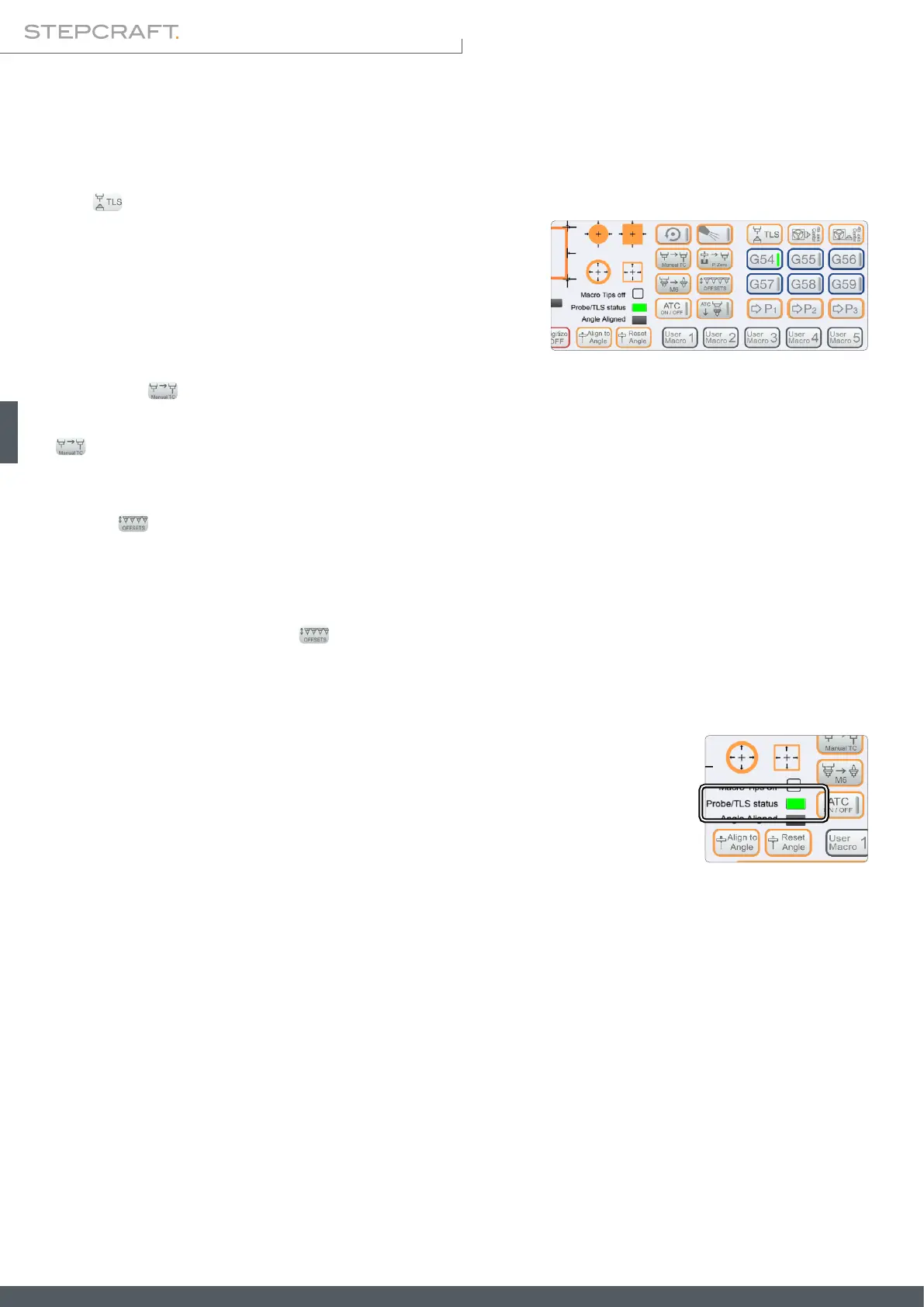
TLS
Function to nd the workpiece zero point for Z. Place the probe below
your end mill. After clicking this button, the Z-axis will descend until
the probe is touched. After the rst contact, the Z-axis will retract and
descend again, but at a slower speed. After the second contact the
Z-axis will retract to a safe position.
5�2 Operating the Probe using UCCNC
The touch probe can be used for multiple tasks, which are explained hereafter:
Manual TC
Manually change tools and compensate the difference in length. Place your probe under the current tool. After clicking
, the currently held tool will be measured. Then, UCCNC will prompt you to change your tool. After changing it, click
OK. The new tool will be measured, too. Afterwards you can continue your current job by clicking CYCLE START.
Offsets
This is a function to automatically determine offsets of one or multiple tools. This function has two means of operation,
depending on whether you have set up a xed tool length sensor. In case you have not done so, move the portal in front
of the tool magazine while keeping a distance of roughly 20 cm. In case you have set up a xed TLS, the saved position
will be used instead. After clicking , UCCNC will measure the number of tools you enter. Tool 1 will always be mea-
sured rst, for reference.
Manual operation
The touch probe can be used manually, without making use of macros. In order to nd a co-
ordinate, move your CNC system to the desired position. Then place and hold the touch probe
right beneath the end mill. Carefully descend the Z-axis until the probe is touched by the
end mill. Take note of the coordinates (remember to consider the thickness of the probe) and
retract the Z-axis slightly. That way you won't scratch the touch probe when removing it. This
process is possible along the X-, Y- and Z-axis. Always be cautious about placing the touch
probe as at as possible. Otherwise there is a chance of wrong measurements.



 To Next Page