71
08/13424999756
Service Port Software
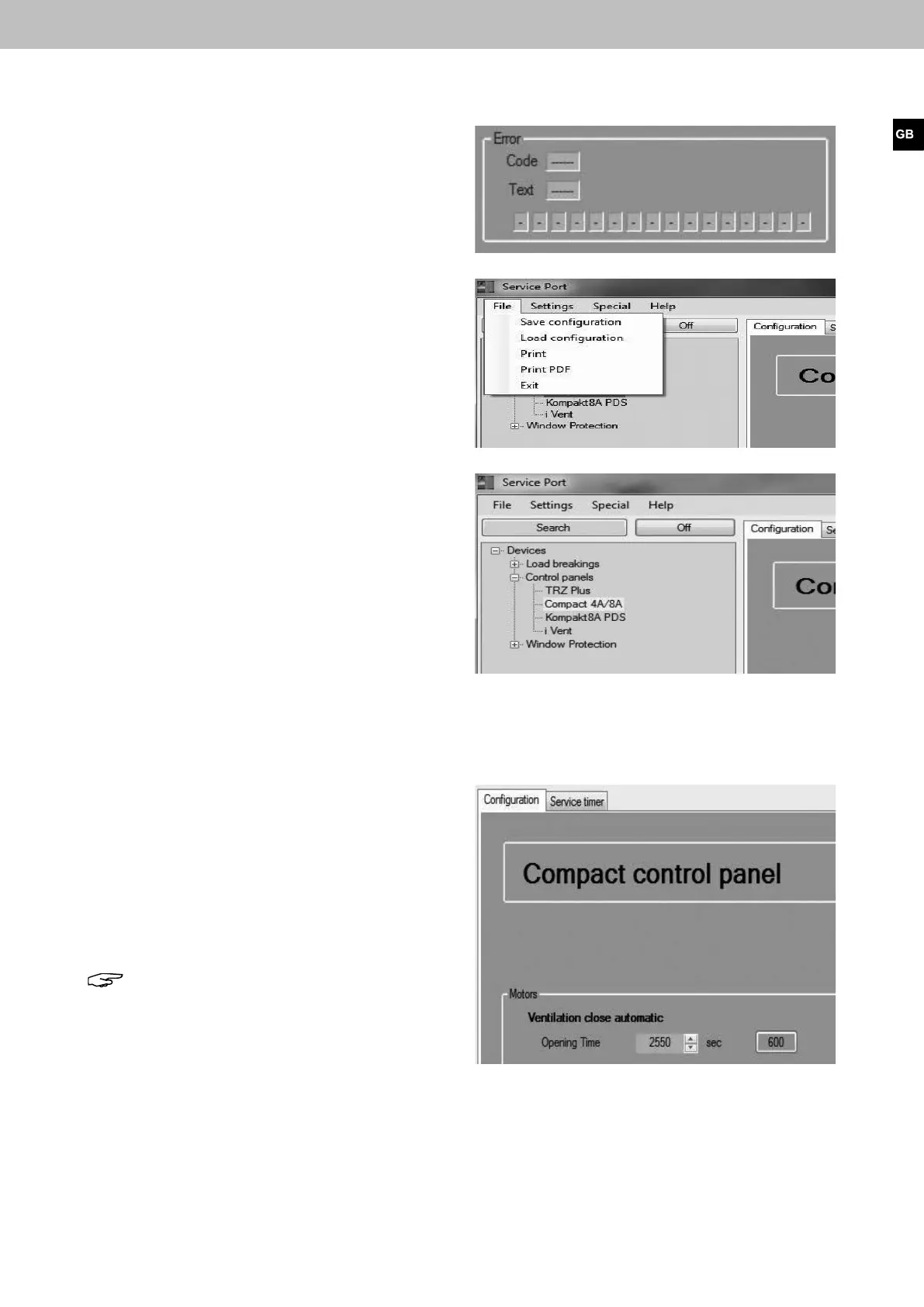
When the TRZ Plus data is selected, information regarding
the possible presence of an internal failure is available.
Itispossibletosavethecongurationasaleonthehard
drive or other location. To do this,
select “File” > "Save conguration" from the menu.
Otheroptionsareloadingaleorprintingareport.
Oncethecongurationeditingisnished,theconnection
between “Compact control panel <> PC” must be
disconnected using the “Off” button.
After that the service Port Software can be closed down
and the connection cable disconnected.
2. Adjustment possibilities (configuration) using the Service Port Software
2.1 Automatic ventilation
When this function is activated, a ventilation time in
seconds (max. 2550 sec.) can be adjusted manually.
After using the vent switch operation, the drive closes
according to the adjustment.
If vent switch operation is interrupted, this function is
deactivated and is not reactivated until opened again using
the vent switch button operation.
Note: This function is deactivated when supplied.
Compact control panel 4A, 4A/M und 8A, 8A/M


 To Next Page