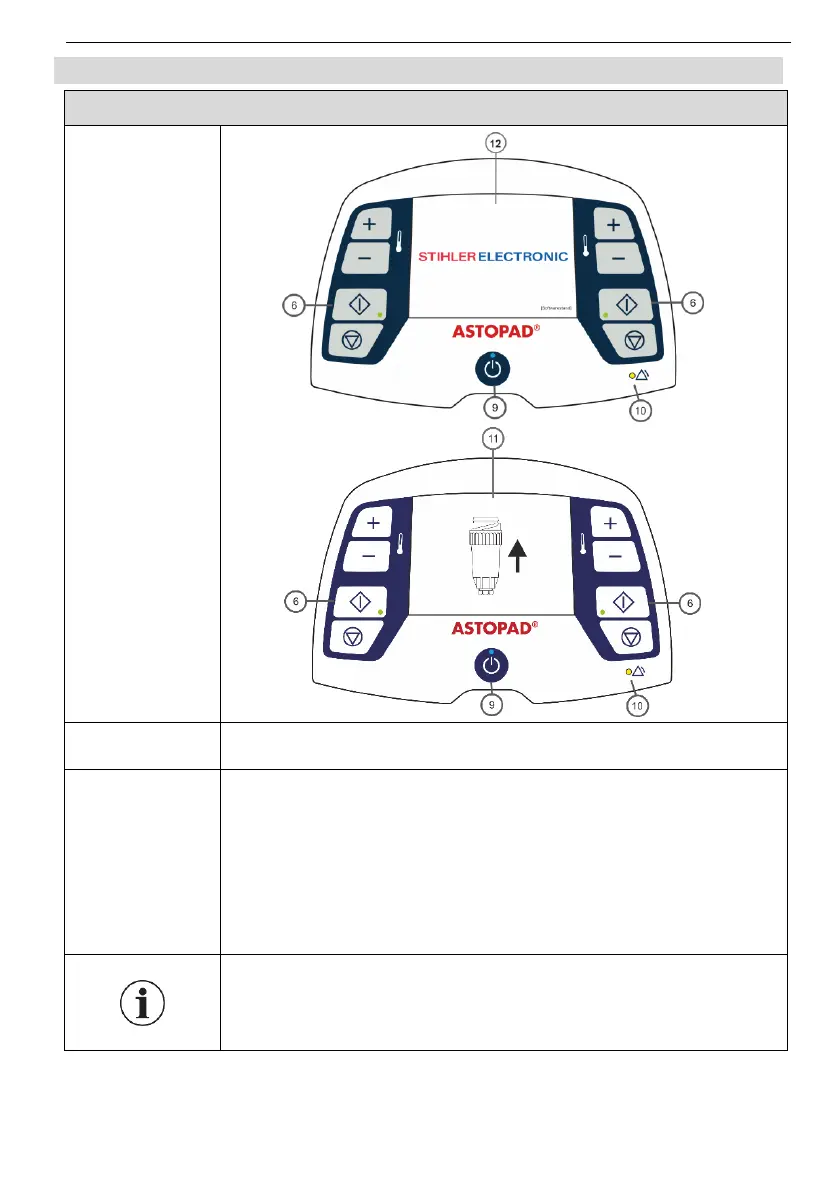
The Standby LED (9) goes out.
The Start screen (12) is displayed for 1 second.
The equipment performs a self-test.
The LEDs (6), (10) flash once and the acoustic alarm signal
sounds once, to confirm that the control unit is working
properly.
If no applied part is connected to the control unit, the dis-
play (11) shows the symbol Connect applied part.
The current software version is displayed in the bottom right
corner of the Start screen.
The display remains until at least one applied part is con-
nected to the control unit.


 To Next Page