digifobpro - Device Instructions
digifobpro User Instructions Page - 16
Global Options for digiconnect
There are settings in digiconnect that will apply to all Tachosys devices that
connect to your PC.
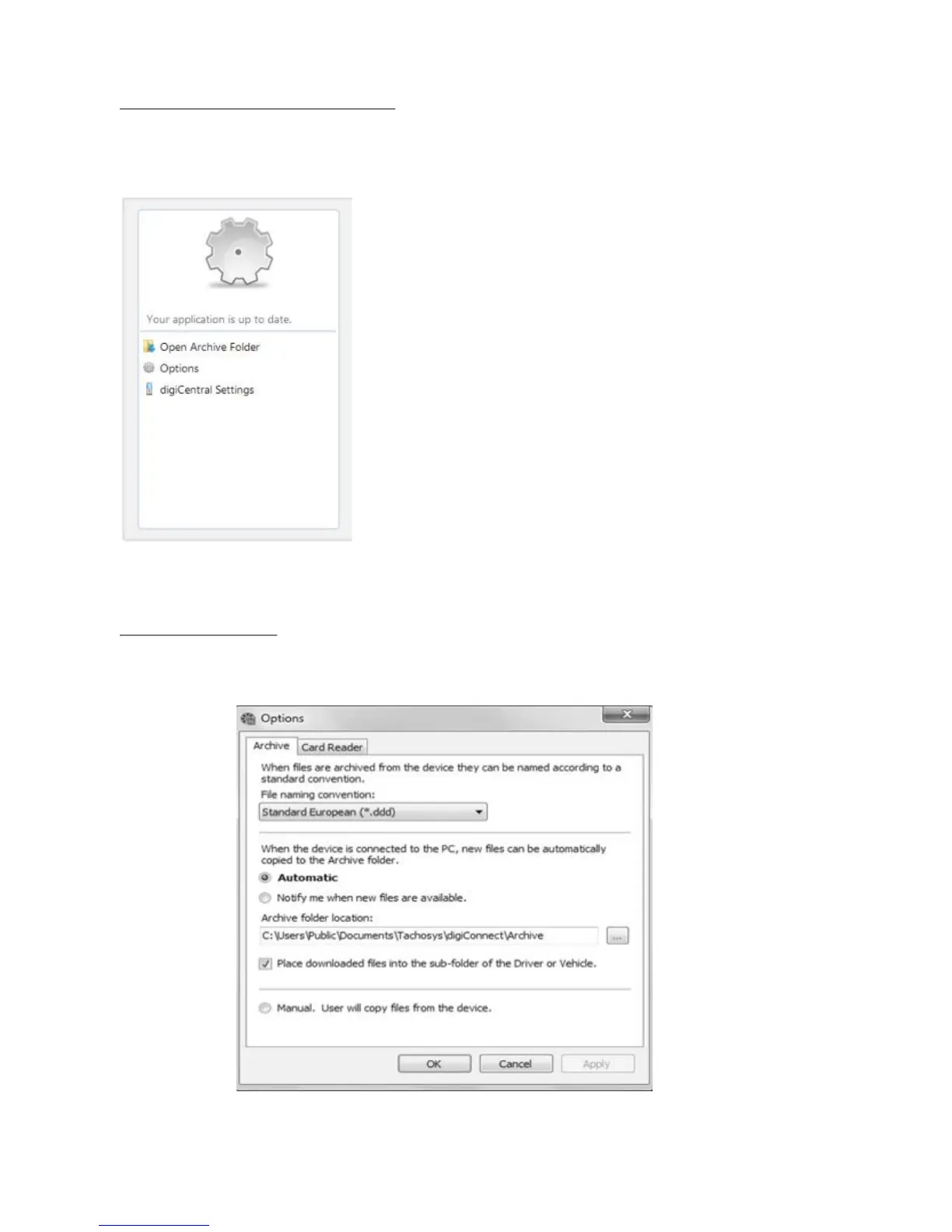
Select options in this part of the screen shown in
full in Fig 3.
Open Archive Folder...
This option allows you to quickly navigate to the
Driver Card and Vehicle Unit file archive directory
on your PC.
Options (Global):
Select Options from the menu in Fig. 4
Fig 5.
Fig 4.



 To Next Page