digifobpro User Instructions Page - 19
Properties: will show the properties of any highlighted file. Here you can
change the ‘Archive’ properties of a file. If you deselect
‘Archived’ and ‘Archived Remotely’ next time you connect the
digifobpro to your PC this file will be automatically
downloaded provided that Archiving is set to Automatic . This
is particularly useful when files have been lost on your PC or
a download is interrupted part way through.
If you right click a file in the file browser main window you will see three
options; Download, Delete and Properties. These options are exactly as
defined above.
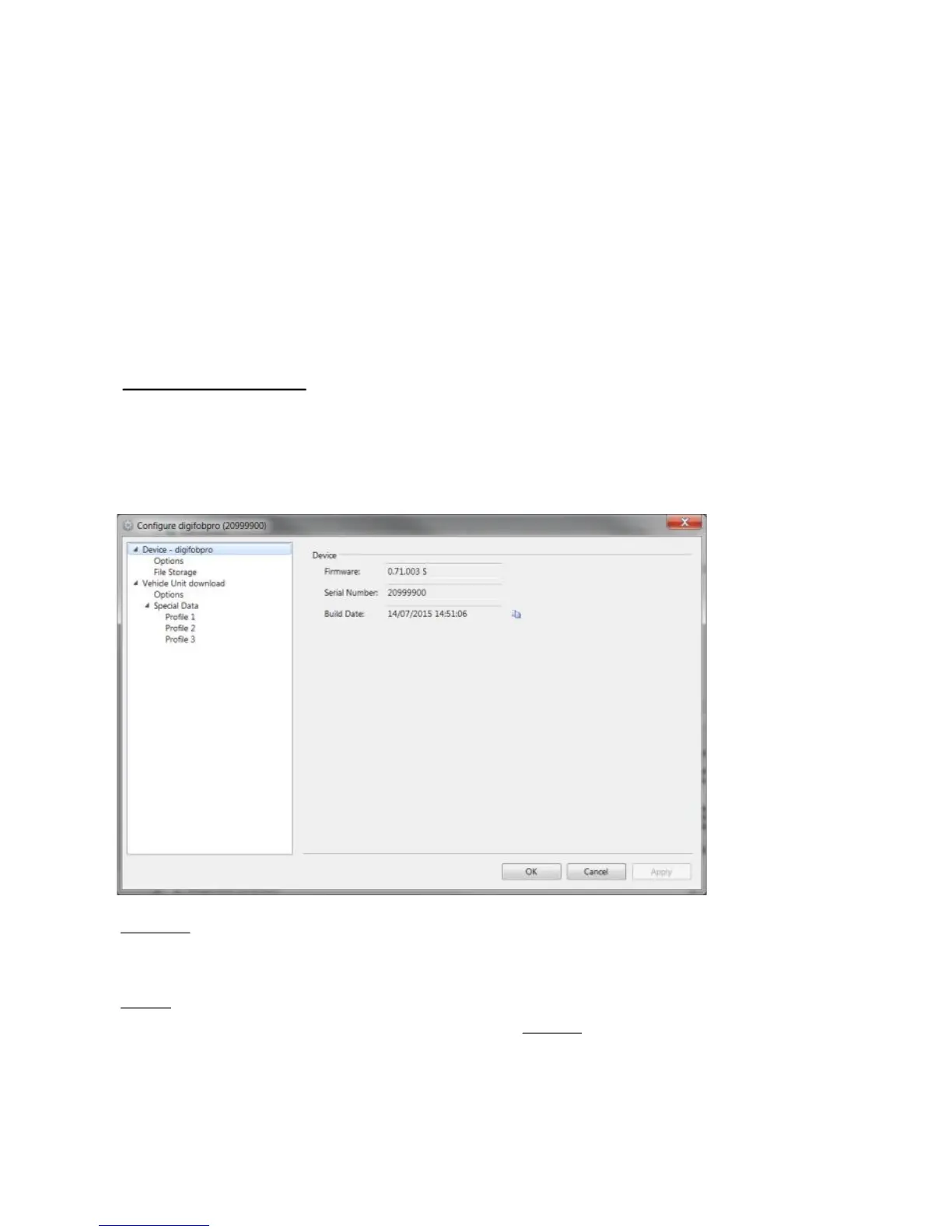
This option allows you to configure all attributes of the digifobpro (see Fig 7.).
Under ‘Device - digifobpro’ you can view the units; Firmware Version, Serial
and Build Date.
Options
Change Language, Sync the digifobpro time with your PC, Apply the Local
Time Offset (compares the PC time to the UTC time and applies the
appropriate difference). The default for the Offset is ticked ON.
Download Speed: refers to digifobpro VU Downloads and should always be
set to Optimised unless you have a particularly slow Tachograph and have
problems downloading.
Device - digifobpro:
Fig 7.



 To Next Page