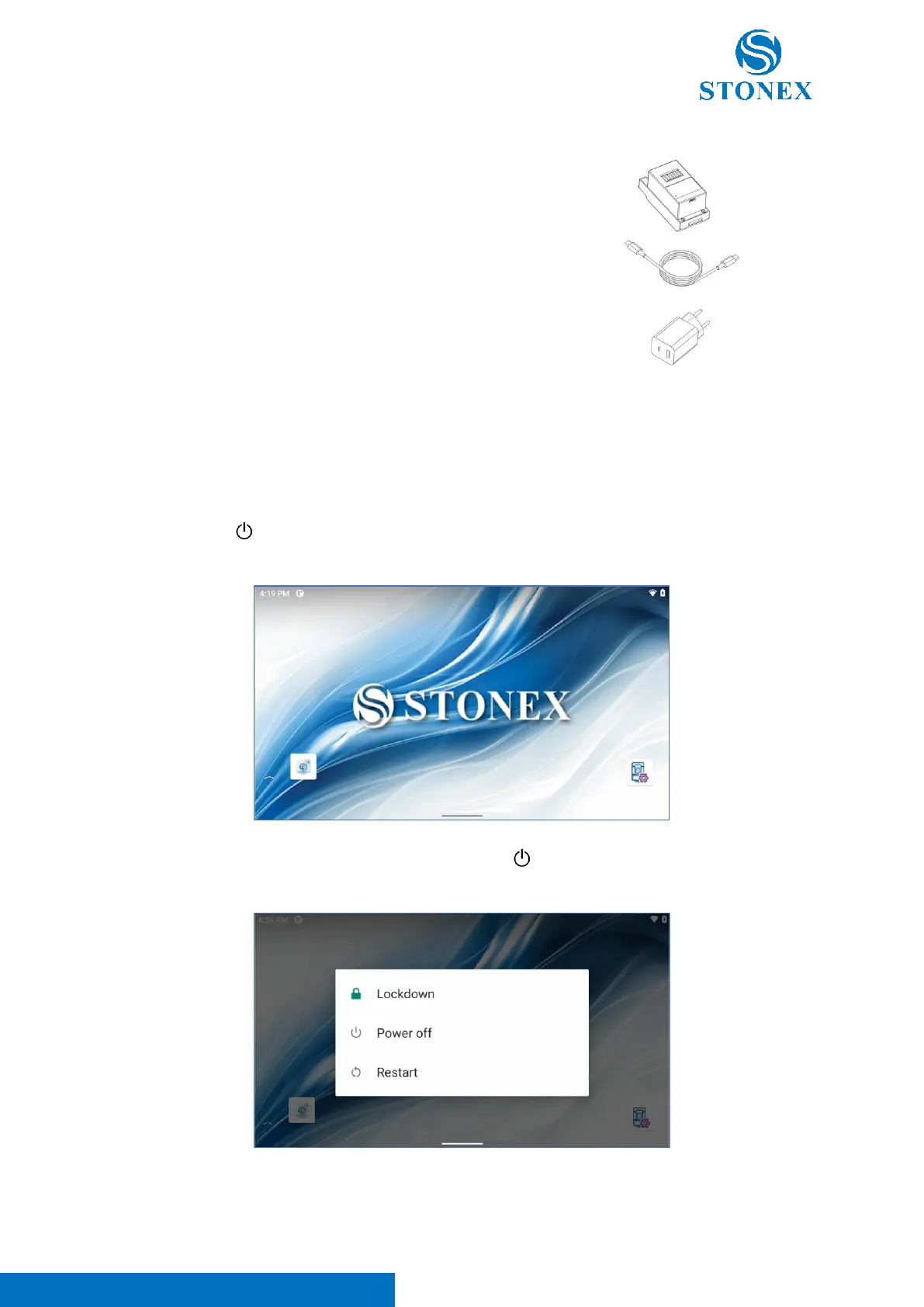
1. Remove the charger and the cable from the carrying case.
2. Insert the USB type-C cable in the battery and in the
charger.
3. If the battery is not fully charged, the charger will begin
charging the battery and the charger indicator will flash in
blue until the complete charge.
4. When charging is complete, the charger indicator will be
fixed blue, pull the battery back to remove it, and then you
can install it or use it as a backup battery.
Please use the charger and battery from STONEX. Store, use and charge at the specified temperature
conditions, taking care to avoid contact with liquids.
3.2. Power on / off
Press and hold [ ] for more than 1 second in the power off state, the instrument starts and
automatically enters in Android interface.
Press and hold for more than 2 seconds the power off key [ ], the instrument prompt if the user wants
to turn off or restart the total station and save the current settings.



 To Next Page