Stonex R60 – User Manual 14
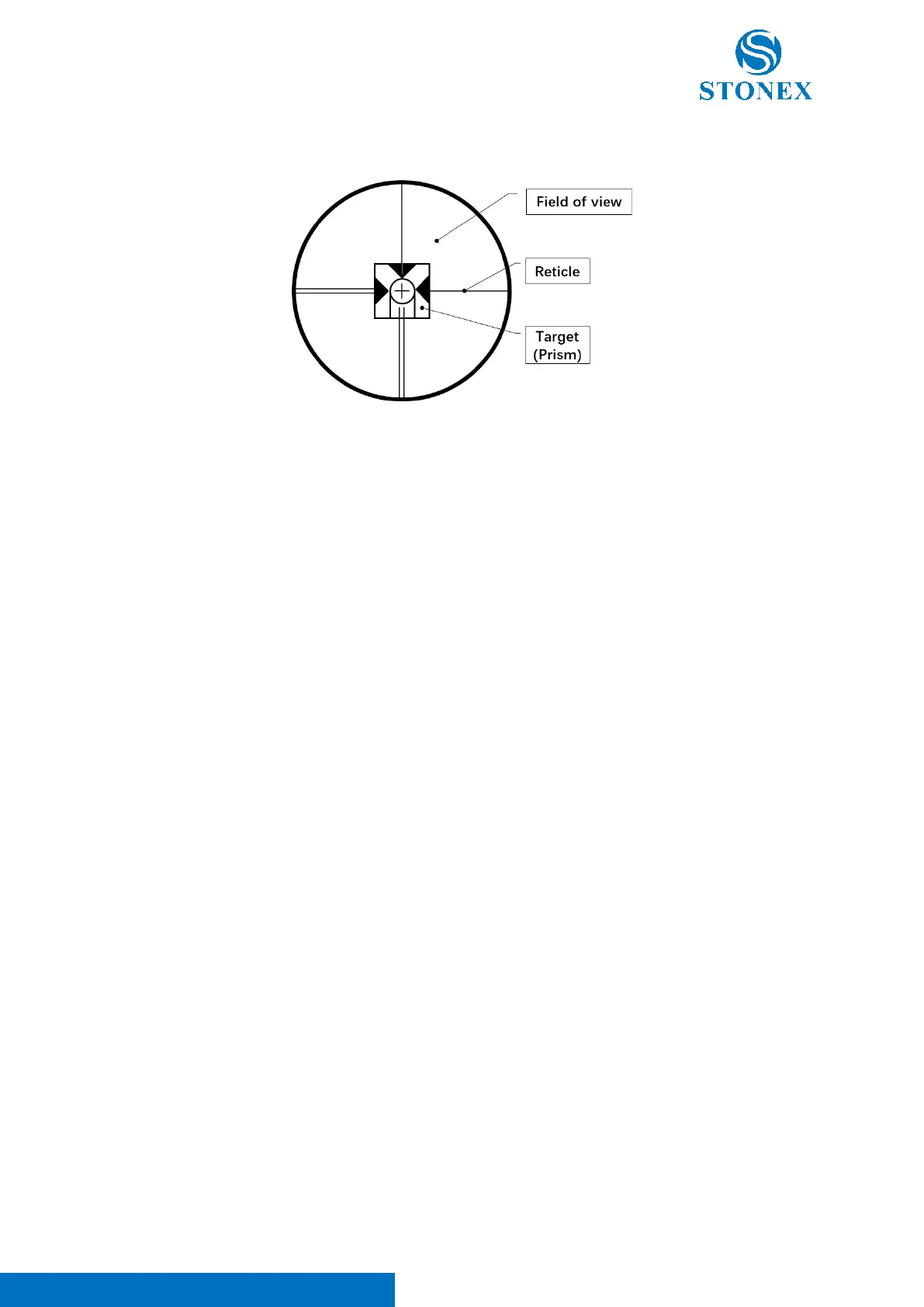
3.4. Focusing and Collimating
General focus and collimate process:
a. Diopter adjustment -> Looking through telescope at a brigh monochromatic background.
Turn the eyepiece’s diopter ring clockwise to the end, observe the reticle, slowly turn the ring
counterclockwise until the reticle image is sharp and clear.
b. Rough targeting -> Rotate the telescope to aim for the target with the viewfinder, observe
from the eyepiece to confirm that the target is in the field of view.
c. Focusing -> Observe the target from the eyepiece, slowly turn the focusing ring until the
target image is sharp and clear.
d. Precisely
collimating -> Observe the target from the eyepiece, adjust the horizontal and
vertical drive to aim the reticle precisely at the center of the target.
e. Start measuring
3.5. Trigger Key
Trigger key is a button located on the side of total station body. It can be used to perform measurements
simply pressing it without touching the display.
Note. Trigger Key works only in R60 Manager -> Measure page (see 4.2.3 R60 Manager) and in Cube-a



 To Next Page