Stonex R60 – User Manual 16
4. Android Operative System
R60 is first Stonex total station characterized by Android operative system on board. Using Android on
a total station provides a lot of advantages improving instrument functionality, simplicity and usability
from different points of view. The operative system is in fact the same one installed on a Smartphone
with the applications and the functions typical of a classical Android device. The user will work using a
familiar and already known interface, increasing its efficiency and decreasing working time.
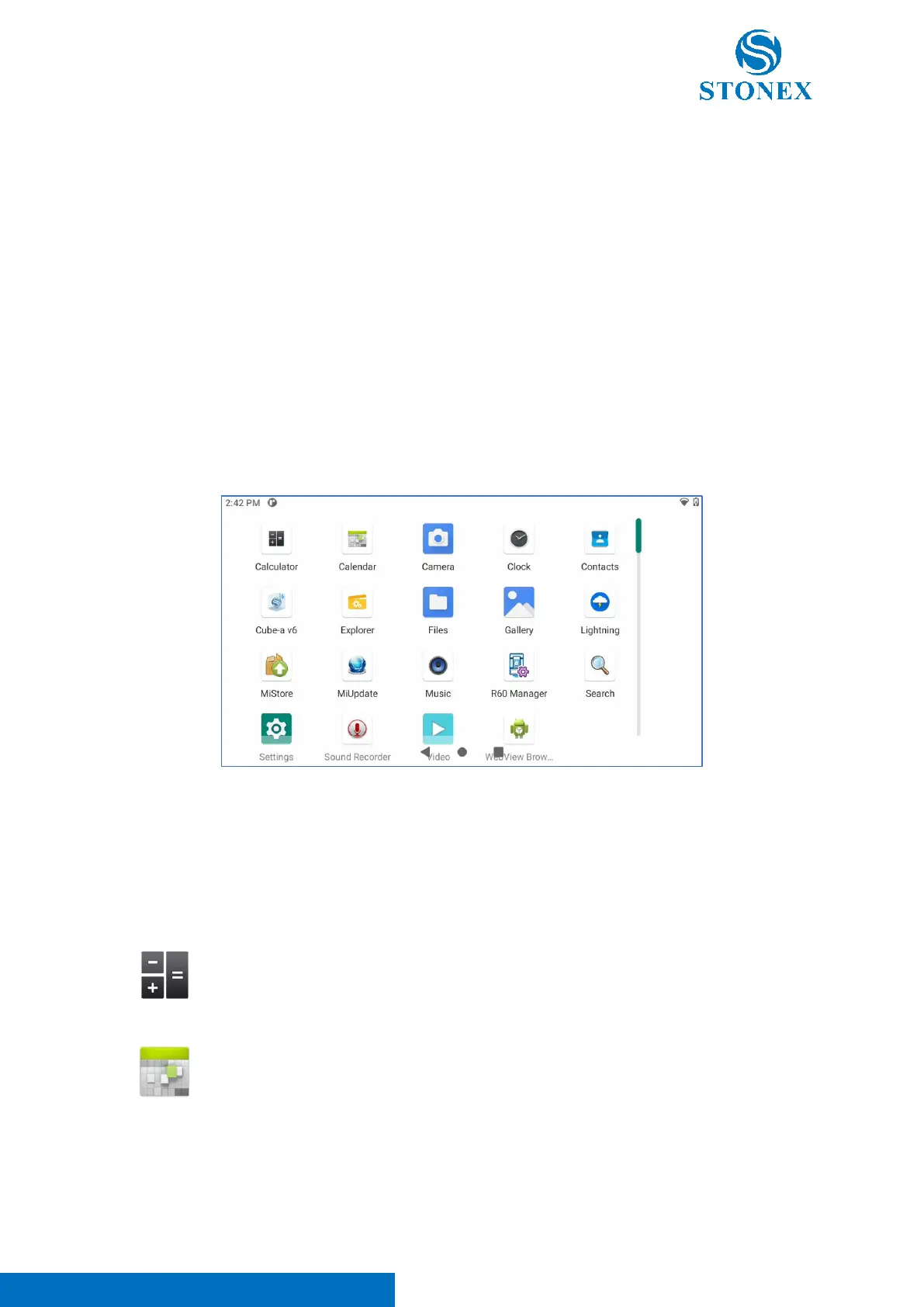
R60 has some pre-installed applications usable to manage the Android operative system and some other
ones designed for total station management.
These applications can be divided in two different categories:
- Android default app
- R60 technical app
4.1. Android default app
This group contains the default pre-installed Android applications. These apps can’t be used to manage
the total station, but they offer tools and functions proper of Android operative system. Here below their
description:



 To Next Page