Stonex R60 – User Manual 17
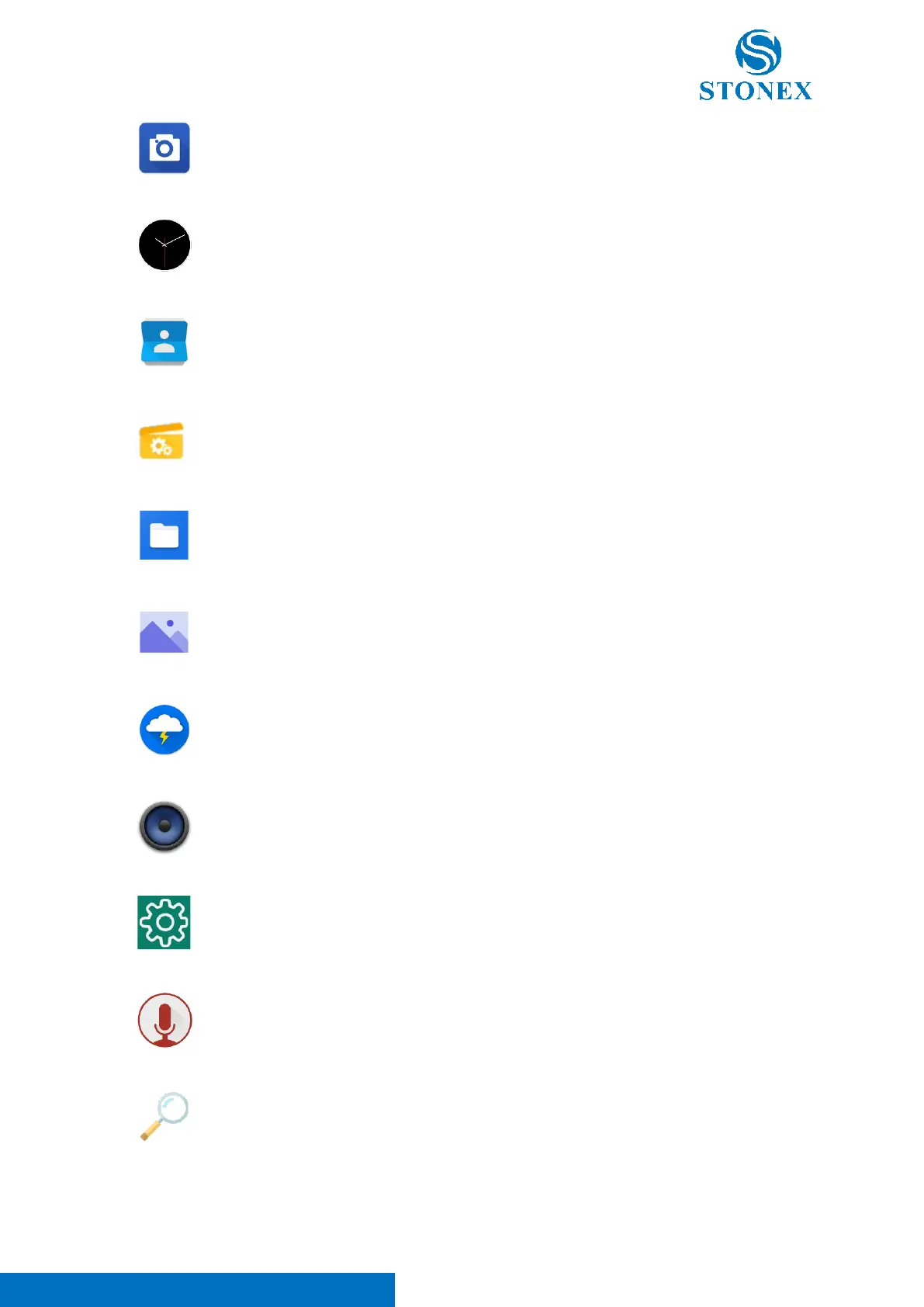
Camera -> Access to the Camera of the device (Note. R60 is not
characterized by camera on-board. For this reason, this application
doesn’t work).
Clock -> Enter in the clock application of the device.
Contacts -> App for contact list management.
Explorer -> This application can be used to access to the device internal
memory. Its use is suggested for developer purpose.
Files -> This application can be used to access to the device internal
memory. In this app will be included all the survey data and user files.
Gallery -> This application allows the user to open and manage images
and photos.
Lightning -> This application can be used to access to Web Internet (Note.
It’s necessary to connect the instrument via WI-FI to Internet before using
this application).
Music -> This application allows the user to open and manage audio files.
Settings -> App for Android settings system management.
Sound Recorder-> App to record sound (Note. R60 is not characterized by
microphone sensor on-board. For this reason, this application doesn’t
work).
Search -> This application can be used to search on Web Internet. (Note.
It’s necessary to connect the instrument via WI-FI to Internet before using
this application).



 To Next Page