Stonex R60 – User Manual 9
3. Preparation & instrument setting up
3.1. Battery and Charger
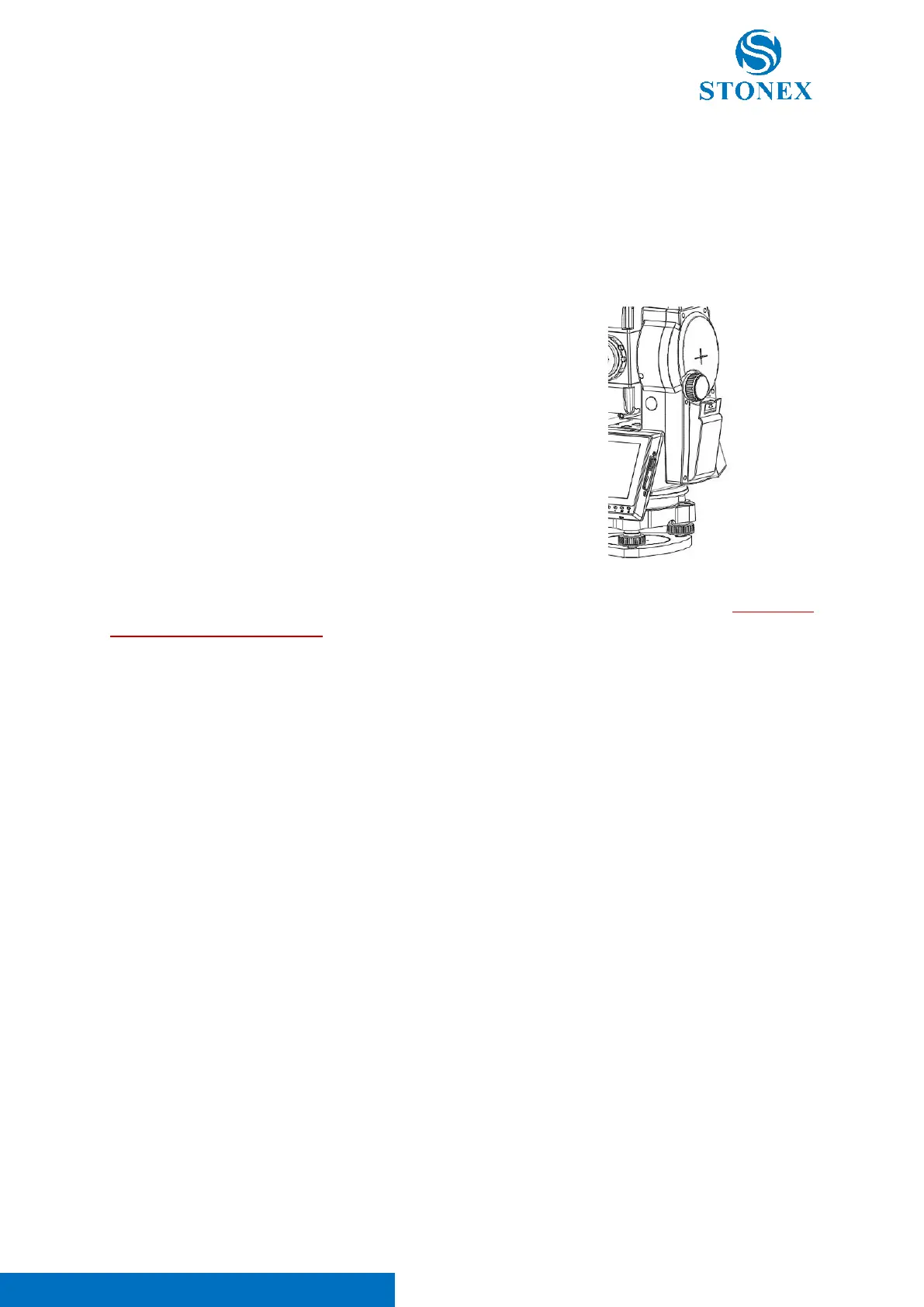
Installing / Replacing Battery
Follow the procedure below to mount/remove the battery:
1. Mount the battery
- Insert the battery in the instrument battery vain.
- Press the top of the battery until you heat a click.
2. Remove the battery
- Press the top of the battery downward to remove it.
- Remove the battery by pulling it toward you
Note 1. The battery connectors are protected by tape to reduce oxidation and scratches. REMOVE IT
BEFORE USING THE BATTERY.
Note 2. Batteries must be charged before first use. For new batteries a complete charge/discharge
operation can effectively improve battery performance. It is normal for the temperature of the battery
and charger to rise during the charging process. Battery operating temperature range: -20℃ to +50℃.
Low temperature will shorten the operating time of the battery, and too high temperature will shorten
the life of the battery. Remove the battery and unplug the charger after each battery charge. Keep the
battery and charger in a safe place. If you find that the battery level display is significantly inaccurate, it
is recommended that you perform a complete charge/discharge operation.
Note 3. The battery’s working time can be affected by many factors, such as environment temperature,
recharging time, recharging and discharging times. So, we suggest the users to fully recharge the battery
or prepare several full batteries before survey. For this reason, it is suggested to check the battery power
before field work.
Note 4. The power consumption in distance measurement mode is more than in angle mode, if the
instrument enters in distance measurement mode from angle mode, the power maybe auto-off because
of lower battery.



 To Next Page