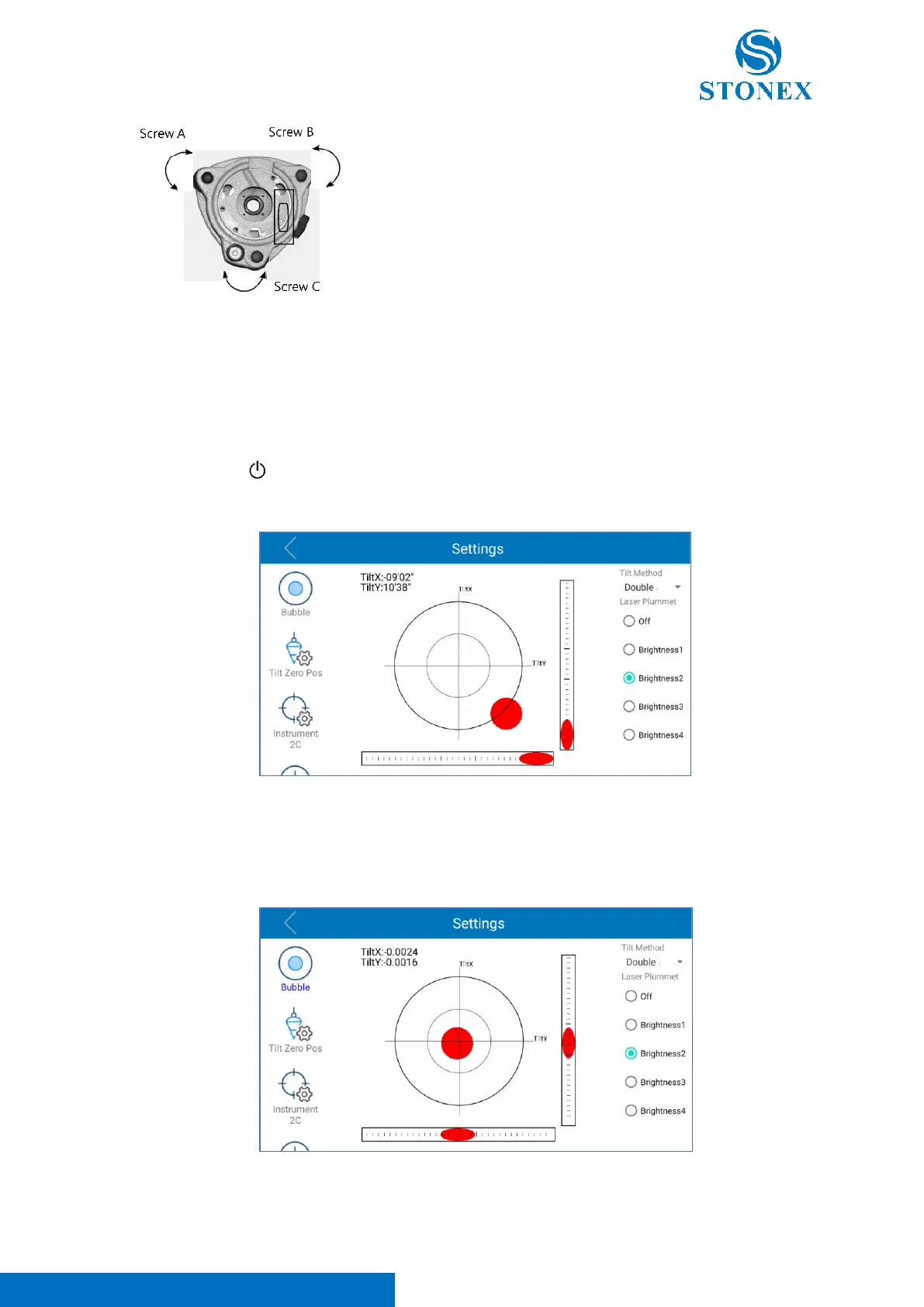
Turn the instrument approximately 90°. Adjust screw C, till the
bubble in the center of the level.
Repeat above steps until the bubble remains in the center of the plate level while the instrument is
rotated to any position.
3. Accurate leveling-up with electronical level
Press and hold [ ] to power on the instrument.
Click on [★] button to enter in the electronical bubble page.
Use the tribrach leveling screws to level up the instrument, taking the electronical level on the screen
as reference. Adjust the screws to make the bubble, visible on the screen, in the center of the
electronical level, as visible in the image below.



 To Next Page