Page 15
6.4 – MOUSE CONTROL
The mouse can be used for navigating system menus.
Unless otherwise stated, all system functions described in this manual are achieved through mouse input.
To use a mouse with the DVR system:
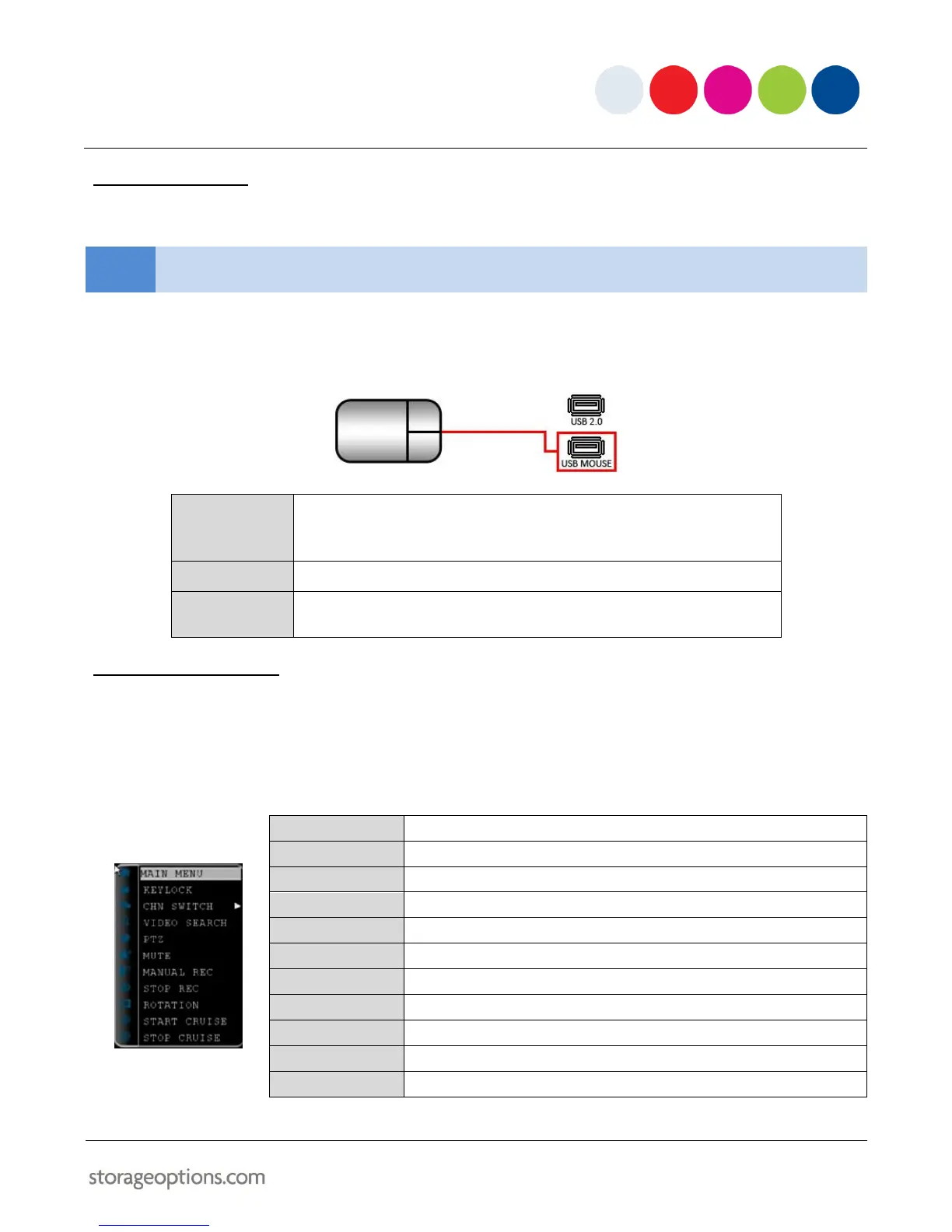
Connect the mouse to the lower USB port located on the rear panel (labelled with a mouse icon).
Click to select a menu option.
During live viewing, double-click on a channel to view it in full-screen.
Double-click the channel again to return to split-screen grid view.
Click to open the Sub Menu.
Forward – switch to VGA.
Backward – switch to CVBS.
6.5 – USING THE SUB MENU
When using the mouse, open the Sub Menu to access system options, including the Main Menu and PTZ control.
1. Right click anywhere on screen to open the Sub Menu.
2. To close the menu, left-click anywhere on screen (outside the menu).
Locks the front panel buttons
Select split-screen display type
Open the Search Menu to view previously recorded video
Opens the PTZ control menu



 To Next Page