Page 26
7.8 – BASIC SETUP
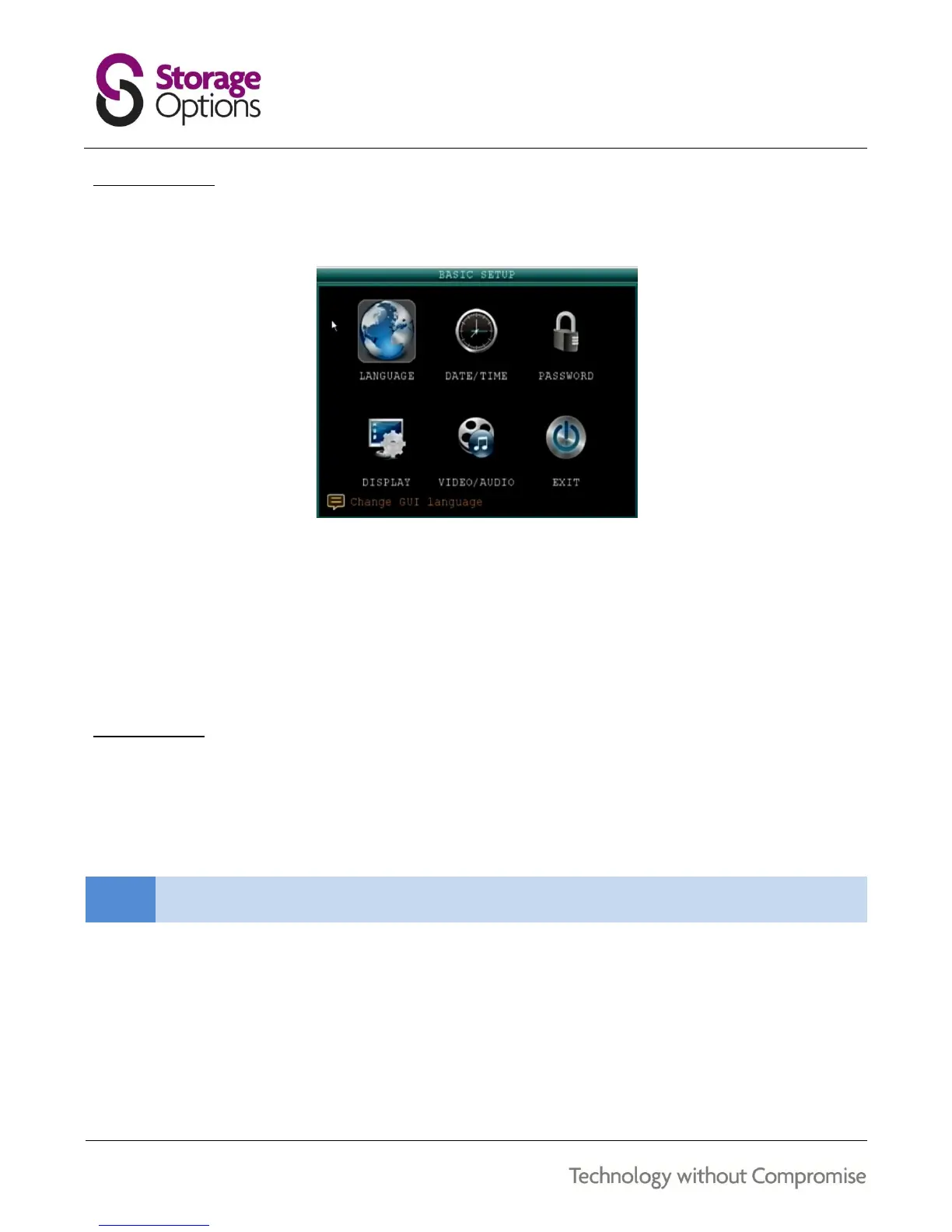
Use this page to set the system language, date and time, pass codes, and configure audio / video and display
options.
The Basic Setup menu contains the following sub menus:
Language
Date / Time
Password
Display
Video / Audio
Exit
7.9 – LANGUAGE
To change the system language:
1. From the drop-down menu select ENGLISH or CHINESE
2. Click APPLY, then click CLOSE in the confirmation window.



 To Next Page