Page 20
7.3 – FILE LIST
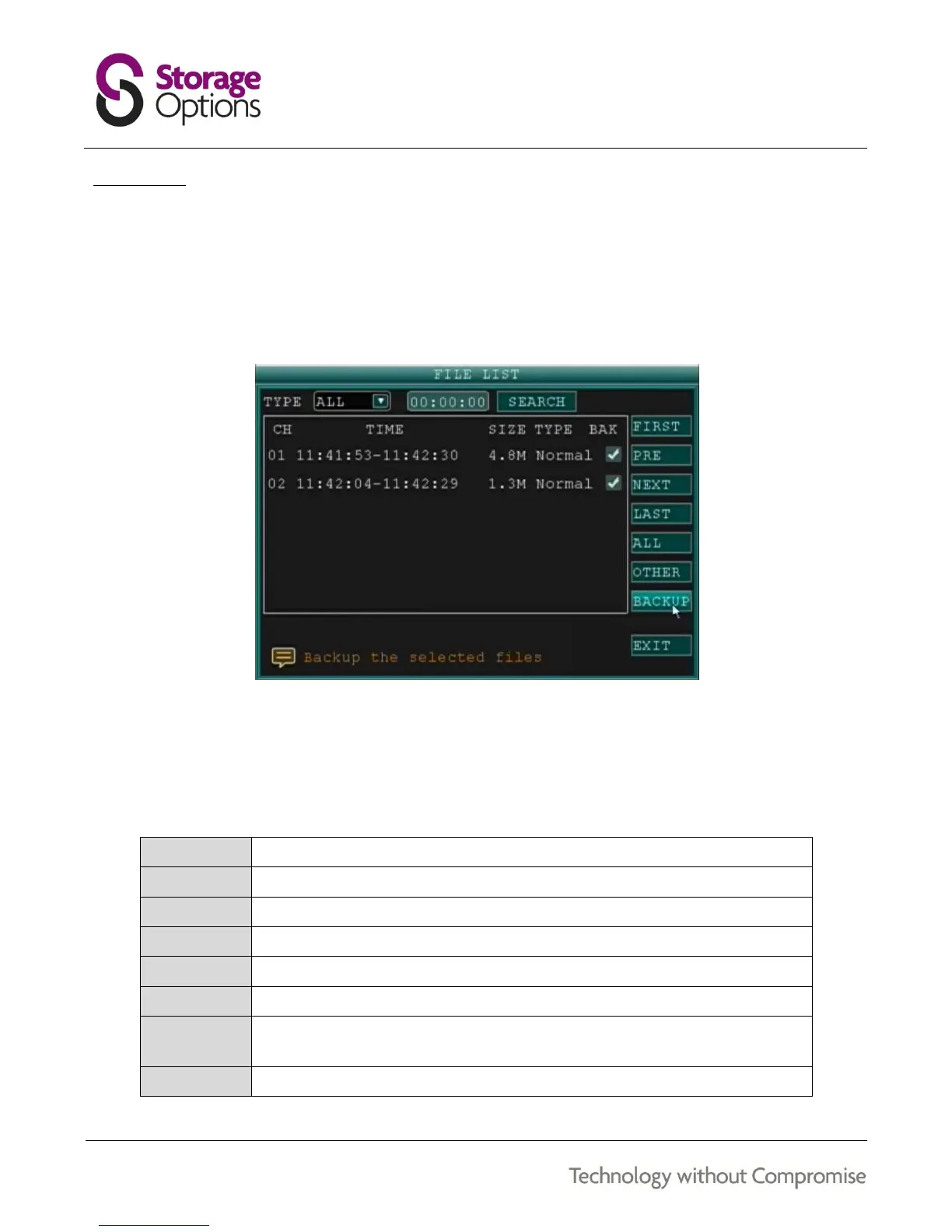
Use the File List sub menu to see a detailed list of all the recorded video on your system. To open the file list:
1. From the Search menu, click SEARCH to find recorded video.
2. Select FILE LIST at the bottom of the menu. The File List menu will open.
3. Highlight the required file and select it to begin playback.
To use the File List:
1. Under TYPE, select NORMAL to view only normal recordings, ALARM to view triggered recordings (alarm and
motion detection), or ALL to view all videos.
2. Use the buttons on the right side of the panel to navigate the file list:



 To Next Page