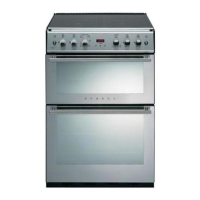
PROGRAMMER
/
CLOCK
The
programmer
buttons
G
minute minder
'e!
cook time
&
ready time
..e
manual
minus
+
plus
To
set
the
time
of
day
n~nrl
U
UU
9ffi5t~
+
O
••
O~~
Press
the manual button.
Press
the
cook
time and
ready
time
buttons simultaneously, and keep them
depressed.
Use
the plus and minus
buttons to set the required time.
Auto symbol goes out.
Manual
operation
ICaln
1:=1
:JU
9ffi5t~-+
o 0
O.
0.0
To
set
the programmer to manual
operation
at
any time (cancelling any
automatic setting), press the
manual
button.
The
programmer must be
set
to manual before the appliance can
be used manually.
Setting the minute
minder
Press
the minute
minder
button, then
use
the plus and minus buttons to set
the required time.
The
minute minder symbol will
appear
on the display.
You can cancel the minute minder
at
any
time
by
pressing the minute
minder
button and the minus button
until the display returns
to
0.00.
After setting, the display will revert to
show the time
of
day, but you can press
the
minute minder button and
the
display
will show the minutes remaining.
The
tone will sound at the end
of
the
time
set·
to cancel the tone, press the
minute minder button.
16



 To Next Page