EasyManua.ls Logo

Strider MX 3 - Page 71

Strider MX 3
102 pages
Print Icon
To Next Page IconTo Next Page
To Previous Page IconTo Previous Page
Loading...
71
Issued: 24.02.2005
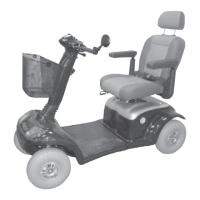
STRIDER MX
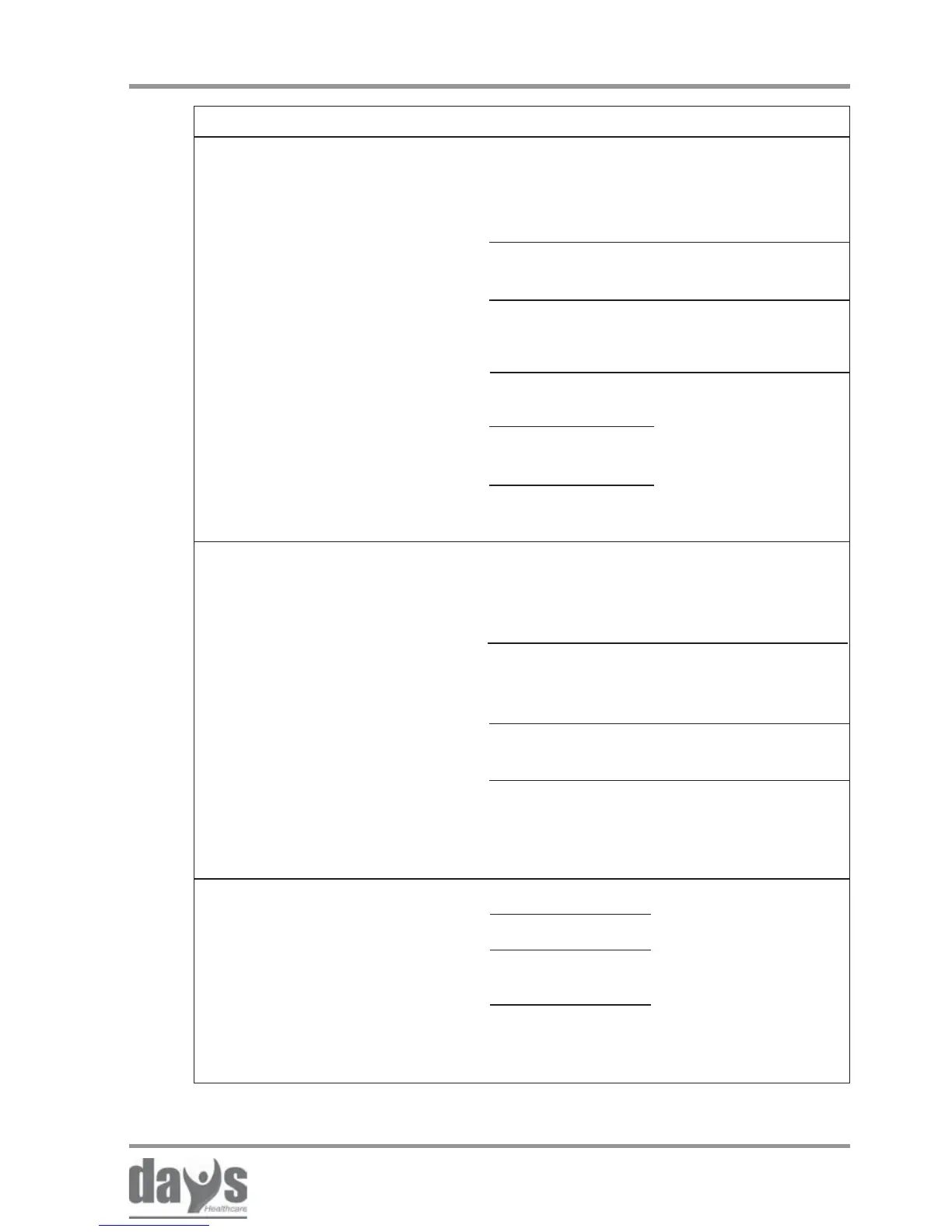
Troubleshooting
Check battery
charge display
(Batteries
discharged)
Scooter switched
to push mode
Connecting plugs
at the control unit
interrupted
Fault in
control unit
fault in
magnetbrake
drive lever
defective
Charge the batteries
(chapter 12.0)
Switch to drive
mode (chapter 10.0)
Check connecting
plugs at the control
unit (dealer)
Visit your dealer
Scooter does not run /
Operation indicator blinking
rapidly (fault display)
Main fuses blow frequently Batteries defective
Motor defective
Fault in control
unit
Short-circuit in
electrical
equipment
Visit your dealer
Fault Cause Remedy
Check battery
charge display
(Batteries
discharged)
Drive lever
pressed while
switching on
drive lever
defective
Automatic switch-
off (overload
protection) active
Charge the batteries
(chapter 12.0)
Release drive lever
Visit your dealer
Switch the scooter
off and switch it on
again a few seconds
later.
Scooter does not run /
Operation indicator blinking
slowly (fault display)

Table of Contents

Related product manuals