12
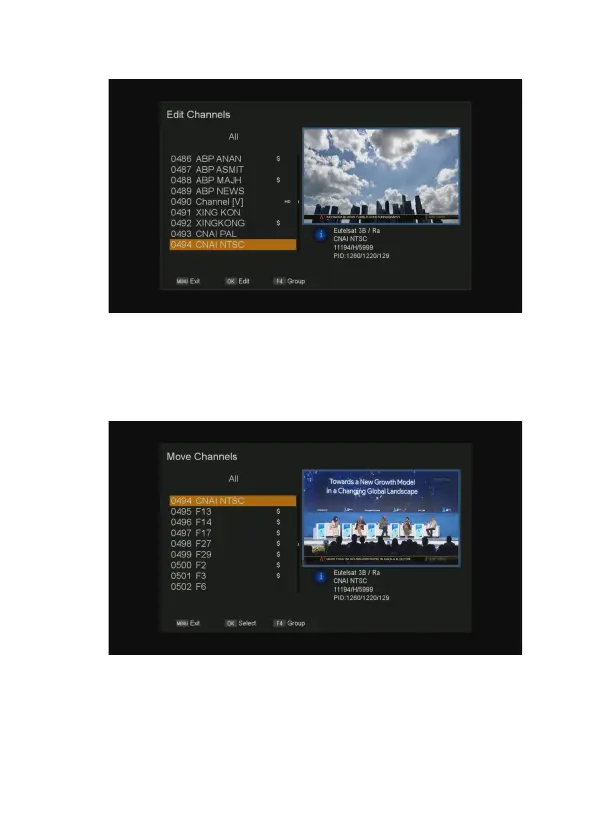
Move Channels
Select the channel you want to move, press OK button to mark the channel. You can choose
more than one channel.
Press INFO button to start move, using the
▲/▼ button to select a new position, then press OK
to move the marked channels to this position.
Lock Channels
Select the channel you need to lock, press OK button on the remote.



 To Next Page