5
Unpacking and setup hardware
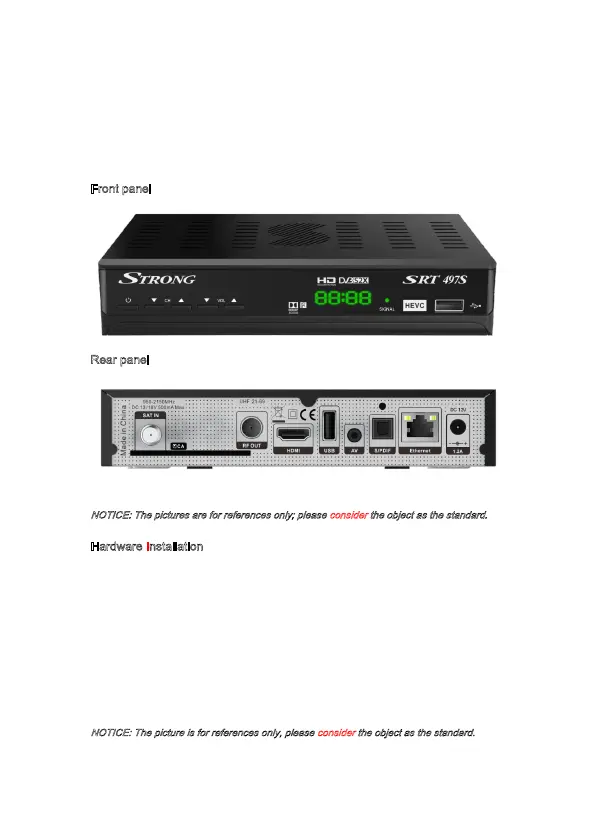
Below pictures show how our product looks like and the way the hardware is installed.
Front panel
R
ear panel
NOTICE: The pictures are for references only; please consider the object as the standard.
Hardware Installation
As shown, connect the interfaces on your television set with the corresponding interfaces
on your receiver (the TV set is connected to your receiver by an HDMI cable / Jack to RCA).
Your dish cable is connected to your receiver through the LNB-IN interface. the receiver
can be switched on by having it connected to the electricity socket by using the AC/DC
power adaptor.
NOTICE: The picture is for references only, please consider the object as the standard.



 To Next Page