15
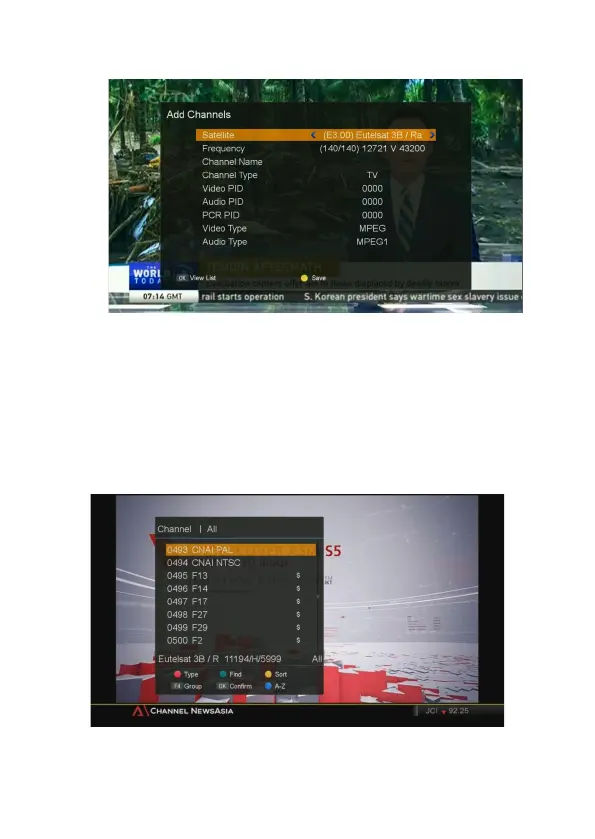
When you are done with all this operation, please select “YES” in the dialog to save.
Channel Selection
■
If you know the channel number, enter the channel number by using numeric buttons on the
remote and wait for 1 second until the selected channel is displayed.
Then if you press OK button, channel list will be displayed.
■ If you know the channel name, press OK button on the remote, then the channel list will be
displayed. Select the channel you want to watch by using ▲/▼, OK buttons on the remote.
You can navigate between channels with these buttons.
- ▲/▼ : Moves up/down.



 To Next Page