23
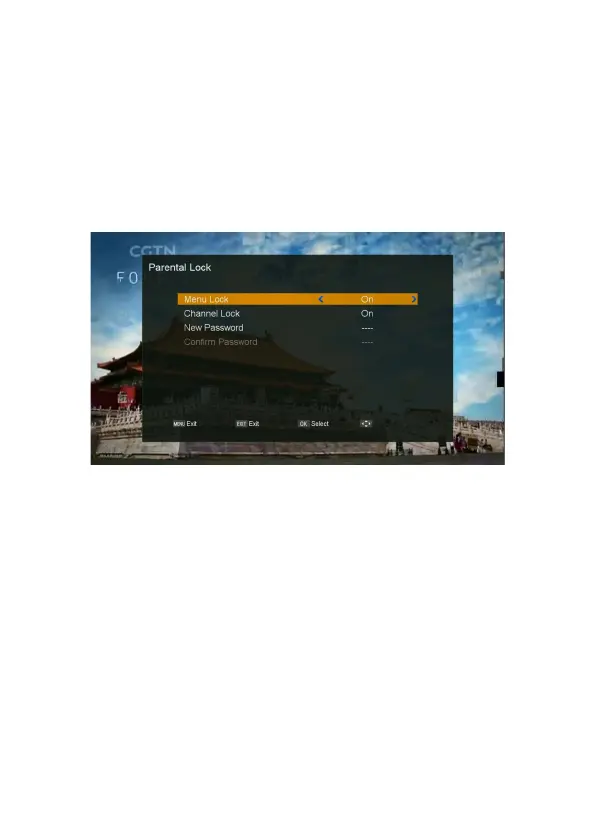
Parental Lock
1. Press MENU button on the remote to display the main menu.
2. Go to the “System” and move to right
,
select “Parental Lock” and press OK button, the “Parental
Lock” menu will be displayed.
- Menu Lock: Lock the “channel manager” menu or not.
- Channel Lock: Set the channel lock.
- New Password: Set the new password.
- Confirm Password: Confirm the new password.
OSD Setting
1. Press MENU button on the remote to display the main menu.
2. Go to the “System” and move to right
,
select “OSD Setting” and press OK button, the “OSD
Setting” menu will be displayed.
- Subtitle Display: Set the subtitle display or not.
- OSD Timeout: Select the display duration of the information banner. (1sec~10sec, On)
- OSD Transparency: Select OSD transparency of the menu. (10% ~ 100%).



 To Next Page