9
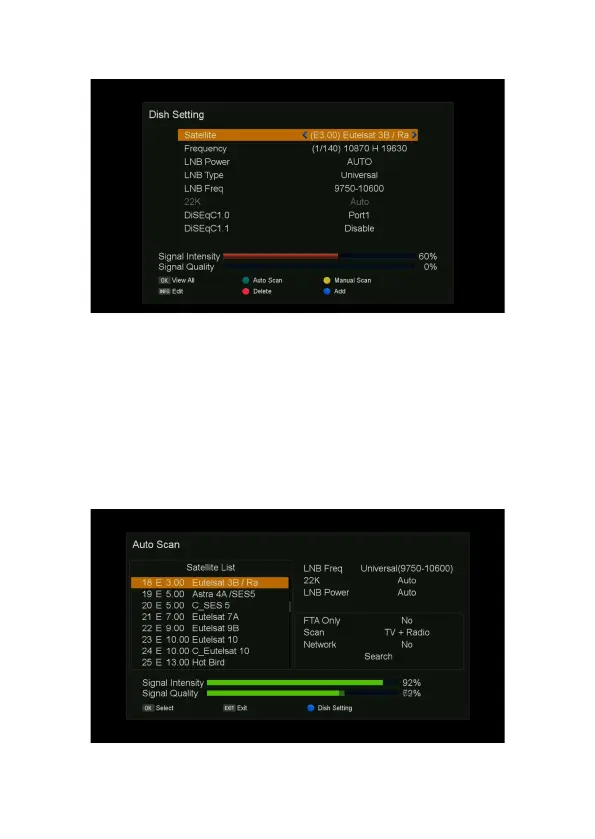
Auto Scan
1. Press MENU button on the remote to display the main menu.
2. Go to the first line(DVB-S2X Installation) and move to right
,
select “Auto Scan” and press OK
button, the “Auto Scan” menu will be displayed.
3. Using the
▲/▼ button on the remote to select satellite.
4. press the
▶ button on the remote, move the focus to “Search”, press OK button on the remote
to start search.



 To Next Page