17
Conditional Access
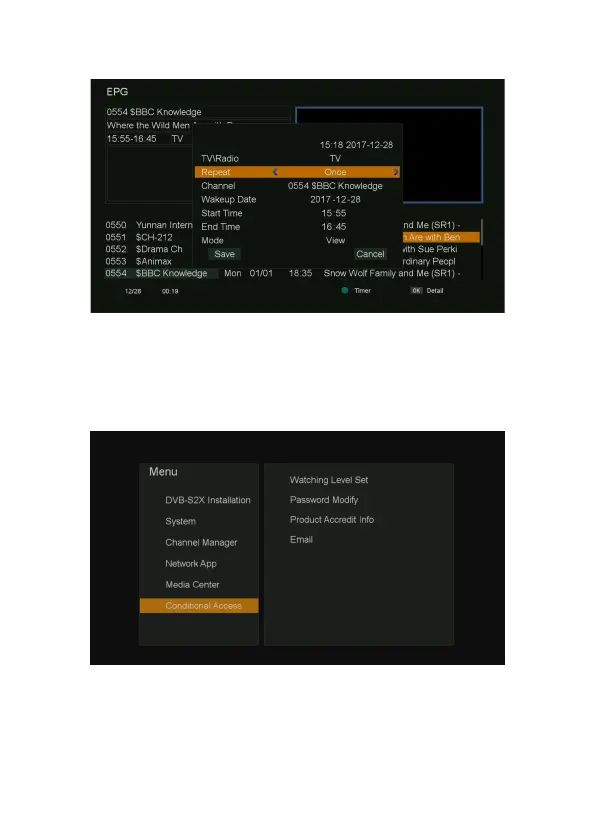
1. Press MENU button on the remote to display the main menu.
2. Go to the last line (Conditional Access), show the Conditional Access items.
Note: The default pin is 000000 for the media box.
Watching Level Set
1. Press MENU button on the remote to display the main menu.
2. Go to the last line (Conditional Access) and move to right
,
select “Watching Level Set” and



 To Next Page