18
press OK button on the remote.
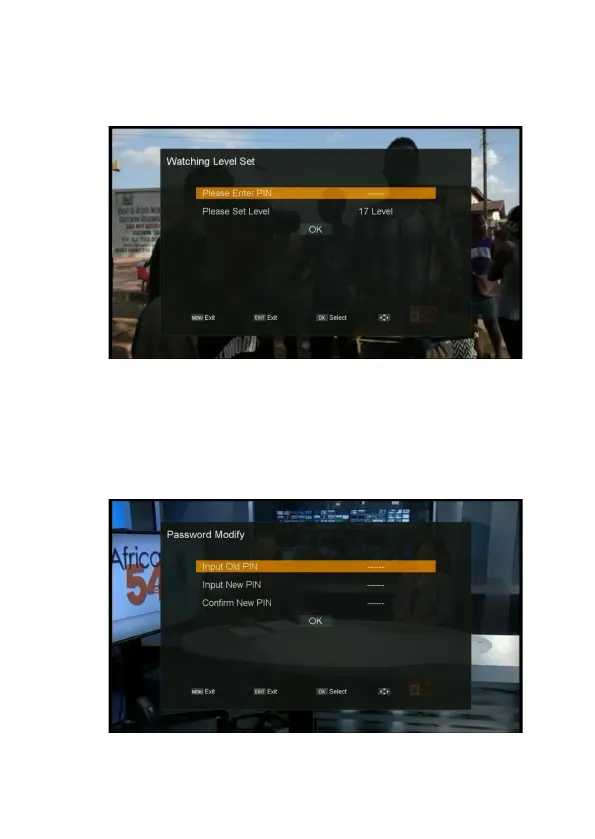
3. Enter the pin, use
◀/▶ button on the remote to change Watching Level.
4. Move the highlighter to the OK button
,
press OK button on the remote.
Password Modify
1. Press MENU button on the remote to display the main menu.
2. Go to the last line(Conditional Access) and move to right
,
select “Password Modify” and press
OK button on the remote.
3. Enter the old pin, input the new pin, input the new pin again to confirm.
4. Move the highlighter to the OK button
,
press OK button on the remote. The password is
changed.



 To Next Page