19
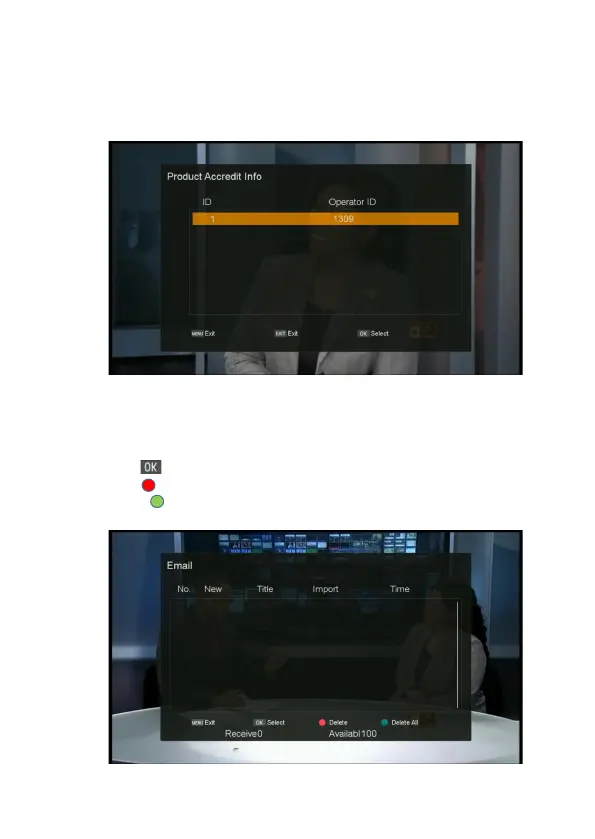
Product Accredit Info
1. Press MENU button on the remote to display the main menu.
2. Go to the last line(Conditional Access) and move to right
,
select “Product Accredit Info” and
press OK button. The product accredit information will show.
Email
1. Press MENU button on the remote to display the main menu.
2. Go to the last line(Conditional Access) and move to right
,
select “Email” and press OK button.
The email list will show.
- OK ( ): Select the current email.
- RED ( ): Delete the selected email.
- GREEN ( ): Delete all emails.



 To Next Page