33
Integrated Electronic
Microprocessor Controller
Read And Save These Instructions - Page 1 of 3
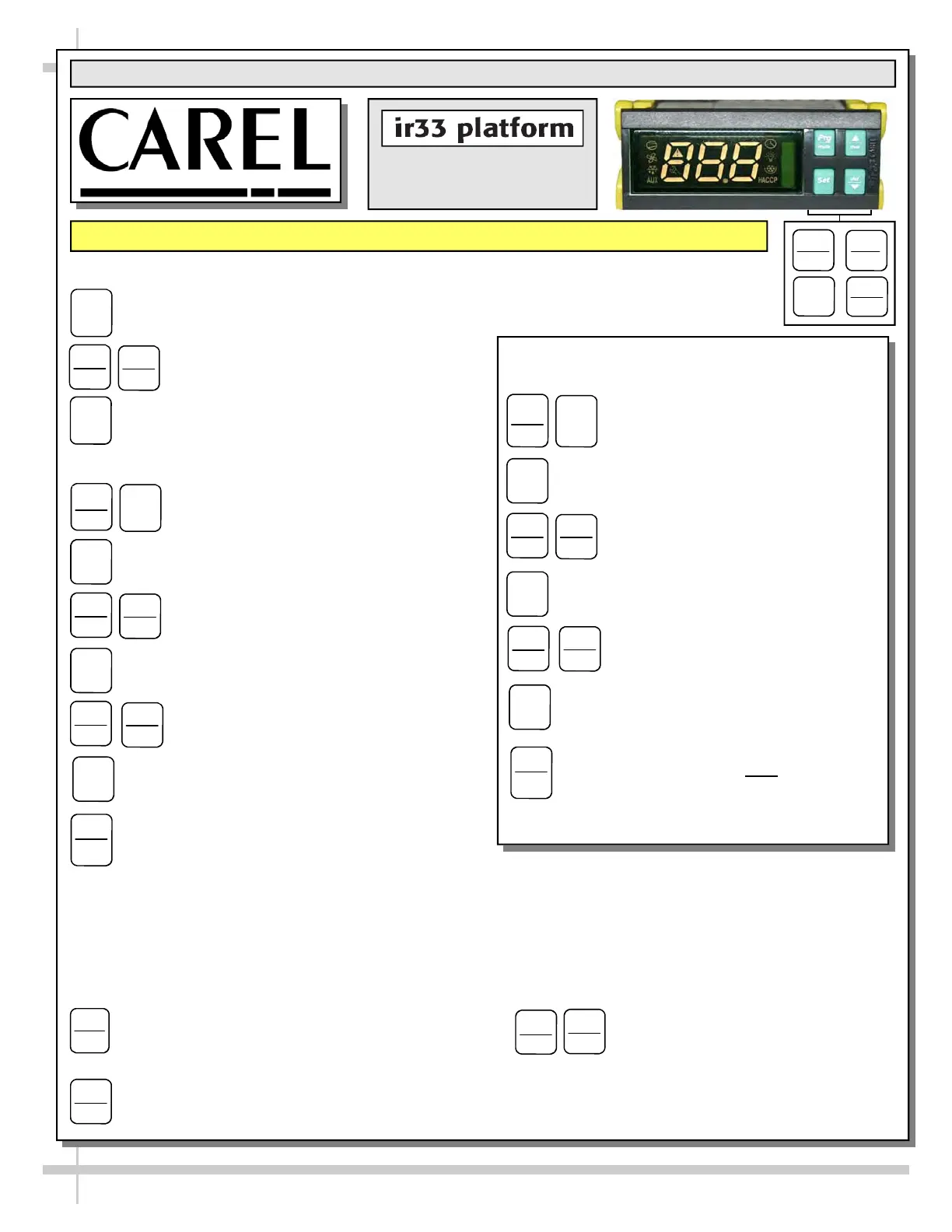
Programming The Instrument
To Modify The Setpoint
1. Press and hold the “SET” key for at least 1 second.
2. Use arrow keys ▲ ▼ on temperature
controller to increase (or decrease) the
setpoint.
3. Quickly press and release the “SET” key again.
To Modify Defrost, Differential, Other Parameters
1. Press & hold “Prg” & “SET” keys together
for five (5) seconds; display will flash “0”,
representing password prompt.
2. Confirm by pressing “SET” key.
3. Press ▲ or ▼ to reach the
category to be modified.
4. Press “SET” to modify this selected parameter.
5. Increase or decrease the value using
the ▲ or ▼ button respectively.
6. Press the “SET” key to temporarily save the new
value and return to the display of the parameter.
7. Press & hold the “Prg” key for at least 5 seconds
to save changes. This action will also mute the
audible alarm (buzzer) & deactivate the alarm relay.
Warning! Save Your Parameter Settings!
1. To store the new parameter values, PRESS and HOLD the “Prg” key for at least 5 seconds.
2. All modifications made to parameters will be lost if you do NOT press a button within 60 seconds. Should
this “timeout” occur, normal operational settings (prior to modifications being made) will resume.
3. If the instrument is switched off before pressing the “Prg” key, all modifications to parameters will be lost.
Set
Set
▲
aux
Prg
mute
def
▼
Prg
mute
Set
Set
def
▼
Set
▲
aux
▲
aux
def
▼
Set
Prg
mute
Oper Manuals - PUB\Templates\Carel Controller\Carel Controller IR33.pub
This data derived from Carel Material: ir33 +030220441 - rel. 2.0 - 01.05.2006
How To Change Reading From
Fahrenheit (°F) To Celsius (°C)
1. Press and hold “Prg” and “SET” keys
together for at least 5 seconds; display
will show “0” (password prompt).
2. Confirm by pressing “SET” key.
3. Press ▲ or ▼ until reaching the
parameter “/ 5”.
4. Press “SET” to modify this selected
parameter.
5. Press ▲ or ▼ to change value to
desired setting: “0” for Celsius (°C) or
“1” for Fahrenheit (°F).
6. Press “SET” key to temporarily save the
new value and return to the display of the
parameter.
7. Press & hold “Prg” key for at least 5
seconds to save changes.
Note! All values
will automatically convert to new scale. No
conversion is required.
Prg
mute
Set
Set
def
▼
▲
aux
Set
▲
aux
def
▼
Set
Prg
mute
Set
def
▼
▲
aux
To Activate / Deactivate Auxiliary Output
Press and hold the “aux” key for 1 second.
▲
aux
To Activate Manual Defrost
Press and hold “def” key for at least 5 seconds.
def
▼
To Reset Any Alarms With Manual
Reset
Press and hold the “Prg” and “aux”
key for at least 1 second.
▲
aux
Prg
mute


 To Next Page