28
TO CHANGE THE SET TEMPERATURE
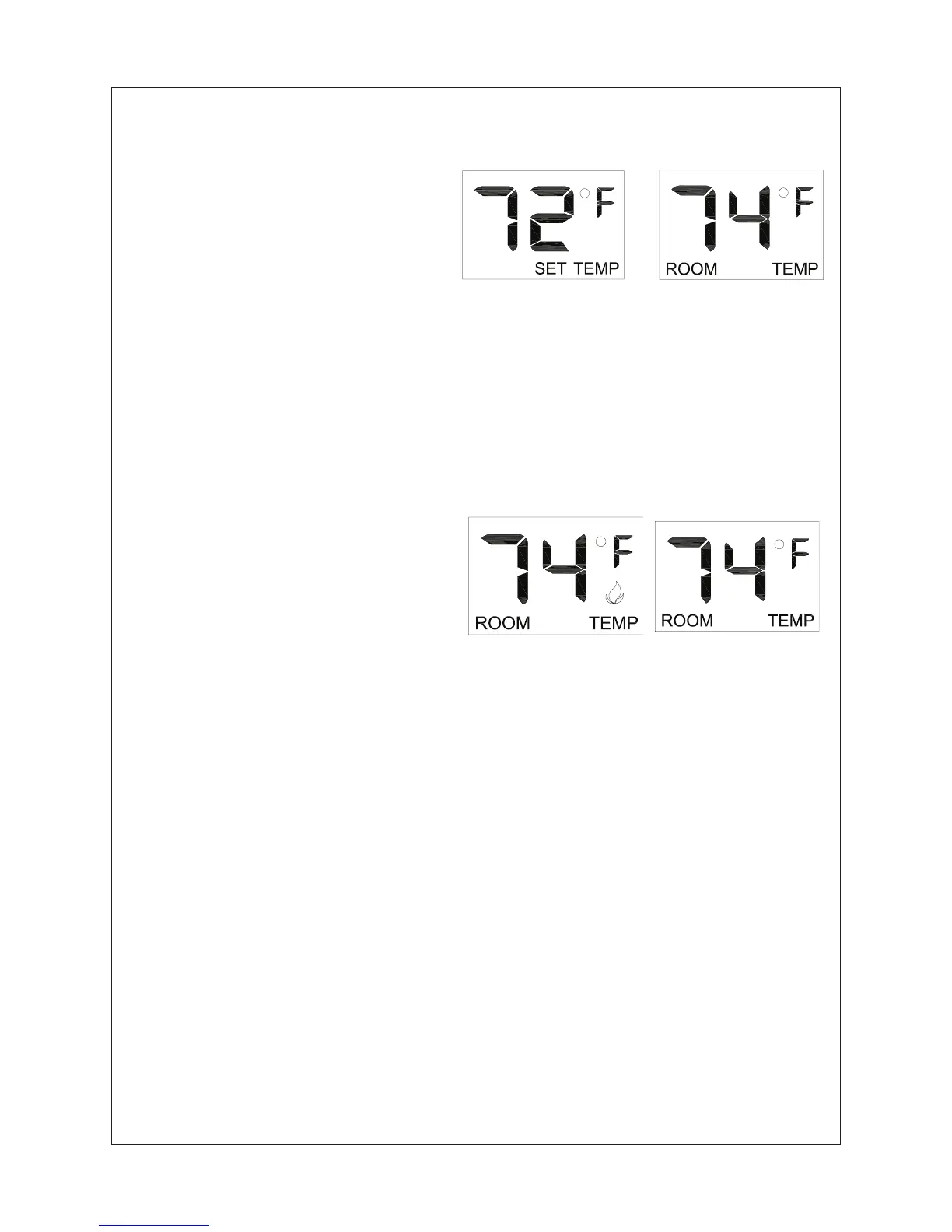
Press and hold the SET key until the
desired set temperature is reached.
(By pressing and holding the set key
the LCD screen set numbers will
increase from 45° to 99° then restart
over at 45°). Next release the SET
key. The LCD screen will display the
set temperature for 3 seconds. Then
will ash the set temperature for 3 seconds. Then the LCD screen will default to display
the room temperature. Press the MODE key to disengage the thermo mode.The word
ROOM on the LCD screen will not show when the thermo is not in operation.
NOTE: The highest SET
temperature is 99°F (32°C) and the lowest temperature is
45°F (6°C)
REMOTE CONTROL OPERATION NOTES:
The Thermo Feature on the transmitter operates the appliance whenever the ROOM
TEMPERATURE varies a certain number of degrees from the SET TEMPERATURE.
This variation is called the “SWING” or TEMPERATURE DIFFERENTIAL. The normal
operating cycle of an appliance may be
2-4 times per hour depending on how well the
room or home is insulated from the cold or drafts.The factory setting for the “swing
number” is 2. This represents a tempereature variation of +/-2°F (1°C) between SET
temperature and ROOM temperature, which determines when the replace will be
activated.
The transmitter has ON and OFF manual functions that are activated by pressing either
button on the face of the transmitter. When a button on the transmitter is pressed the
word ON or OF will appear on the LCD screen to show while the signal is being sent.
Upon initial use, there may be a delay of three seconds before the remote receiver will
respong to the transmitter. This is part of the system’s design.
Figure 48
Figure 49
THERMOSTAT FUNCTION
SETTING DESIRED ROOM
TEMPERATURE
This remote control system can
control the thermostat when
the transmitter is in the THERMO
mode (The word ROOM must be
displayed on the screen). To set
the THERMO MODE and desired
room temperature, Press the MODE
key until the LCD screen shows the word ROOM. Then the remote is in the thermostatic
mode. Press and hold the SET key until the desired set temperature is reached. (By
pressing and holding the set key the LCD screen set numbers will increase from 45° to
99° and then restart over at 45°) Next release the SET key. The LCD screen will display
the set temperature for 3 seconds and the LCD screen will ash the set temperature for 3
seconds. Then the LCD screen will default to display the room temperature.



 To Next Page