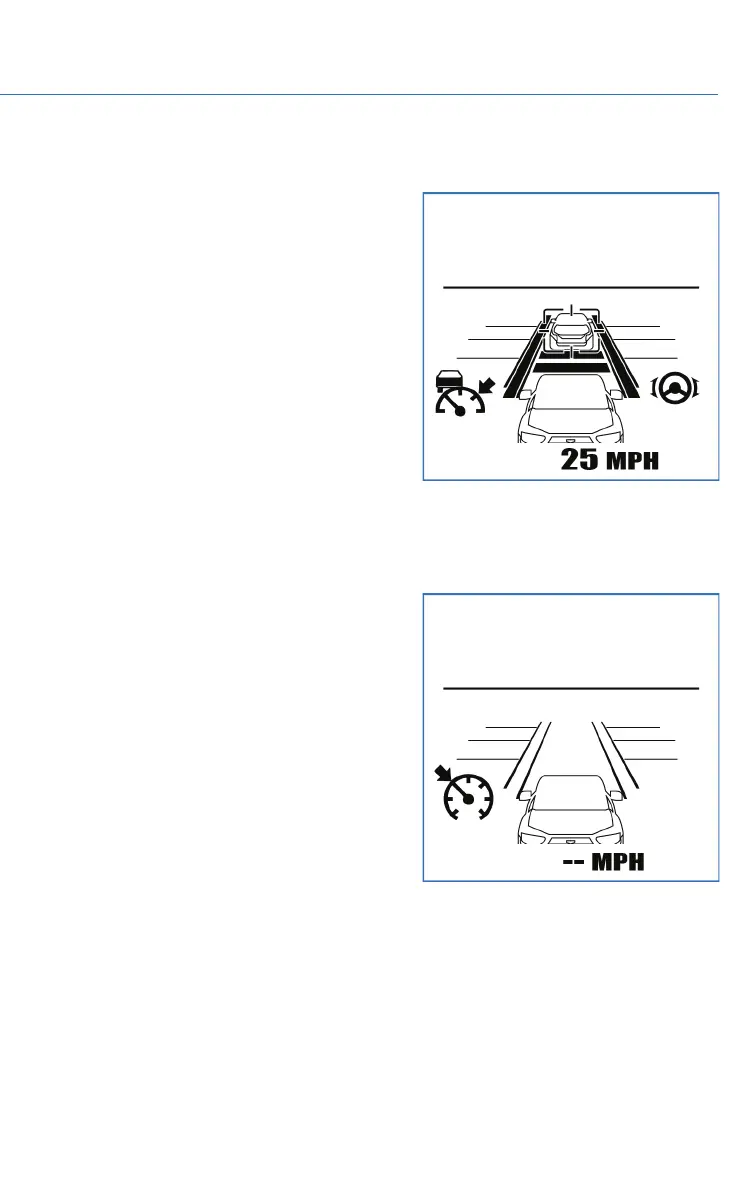
Lane Centering
The stereo camera detects lane markings
(including Botts’ dots) of the lane and the lead
vehicle, and the system assists the steering
operation by working with the electric power
steering to help keep your vehicle in its lane
when driving on expressways, freeways and
interstate highways.
This function can be used by pressing the
Lane Keep Assist switch when the Advanced
Adaptive Cruise Control is activated. When
driving at speeds of 0 mph to approximately
90 mph, the system detects the lane markings
and/or the lead vehicle and assists you with
steering in order to keep the vehicle close to
the center of the lane.
Conventional Cruise Control
Conventional Cruise Control maintains a
constant traveling speed you set, but it does
not adapt to the other vehicles in front of you.
To activate Conventional Cruise Control, press
the Adaptive Cruise Control On/Off button,
then press and hold the “Increase Distance” or
“Decrease Distance” buttons on the steering
wheel for approximately two seconds. The
Cruise Control indicator on the Combination
Meter Display (CMD) will change from the
Adaptive Cruise Control icon to the
Conventional Cruise Control icon. Use the
accelerator to reach the desired speed, then
use the RES +/SET - switch to set the vehicle
speed.
EYESIGHT
83















 To Next Page