Customizing EyeSight
®
Settings
The EyeSight
®
system features customization
of certain preferences and warnings. Use the
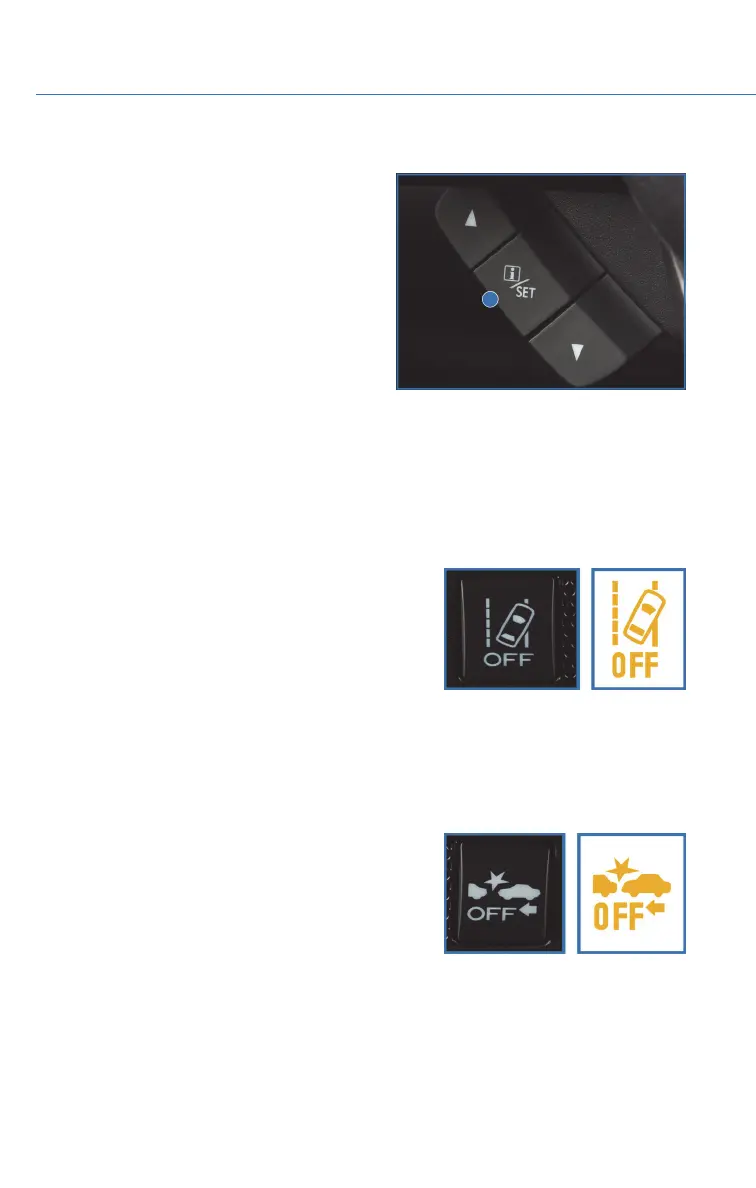
steering wheel mounted “i/Set” and arrow
switches to navigate through the Combination
Meter Display (CMD) to adjust settings such as:
• Warning Volume: Min/Mid/Max
• Cruise Control Acceleration Characteristics:
Eco/Comfort/ Standard/Dynamic
LANE DEPARTURE WARNING AND PRE-COLLISION
BRAKING SYSTEM OFF SWITCHES
Lane Departure Warning OFF Switch
Press and hold this switch on the overhead console
for two seconds to turn off the Lane Departure
Warning and Lane Sway Warning functions. Press and
hold the switch again for two seconds to turn the
functions on.
When these functions are off, a yellow Lane Departure
Warning OFF indicator will be illuminated in the
Combination Meter. It may be helpful to turn these functions off when lane markings on the
road are inconsistent.
Pre-Collision Braking OFF Switch
Press and hold this switch on the overhead console
for two seconds to turn off the Pre-Collision Braking,
Pre-Collision Brake Assist, and Pre-Collision Throttle
Management functions. Press and hold the switch
again for two seconds to turn the functions on.
When these functions are off, a yellow Pre-Collision
Braking OFF indicator illuminates in the Combination
Meter. It may be helpful to turn these functions off when using a drive-through carwash.
i/Set and Arrow Switches
EYESIGHT
86















 To Next Page