9
English
II System and operation
II System and operation
1 System description
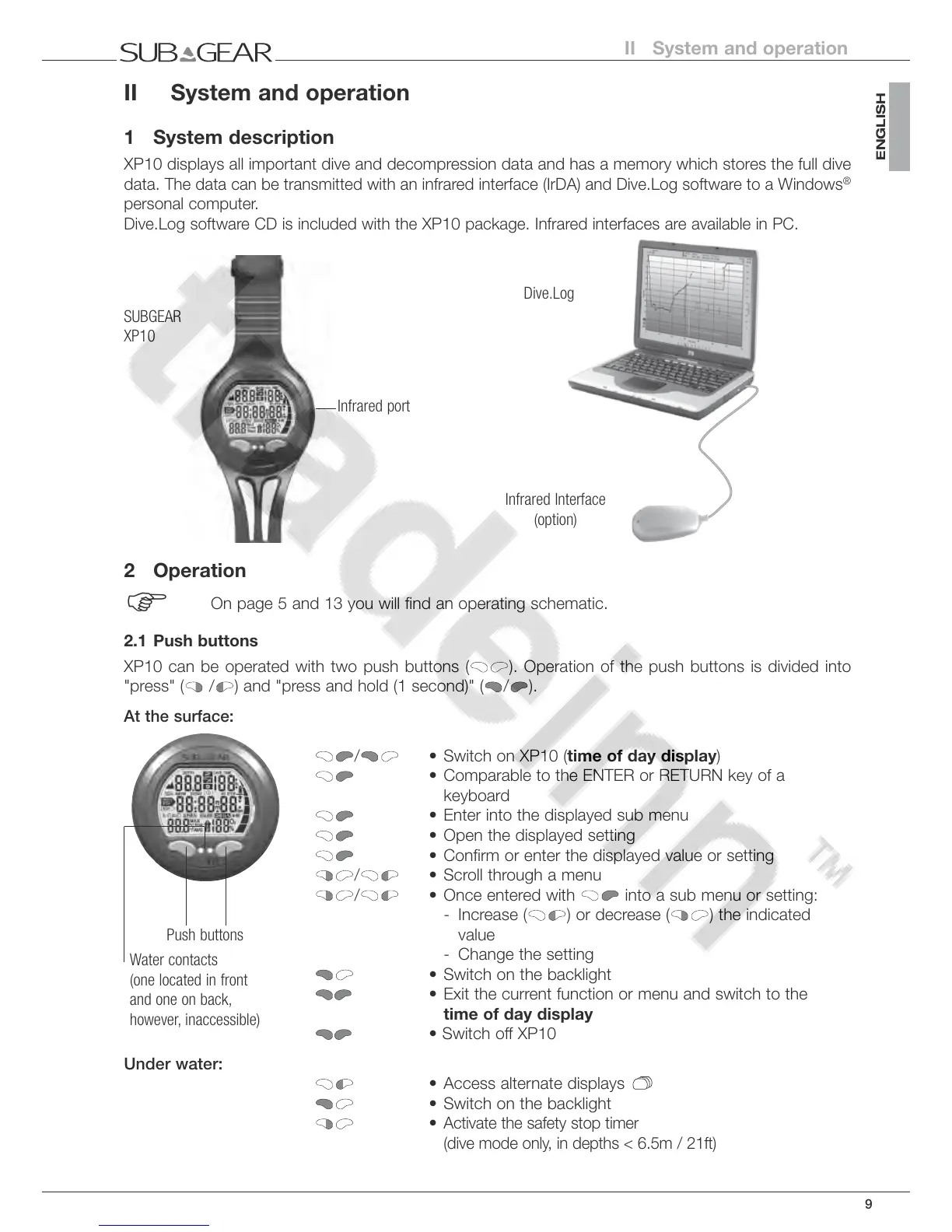
XP10 displays all important dive and decompression data and has a memory which stores the full dive
data.
The data can be transmitted with an infrared interface (IrDA) and Dive.Log software to a Windows
®
personal computer.
Dive.Log software CD is included with the
XP10
package. Infrared interfaces are available in PC.
Infrared port
SUBGEAR
XP10
Dive.Log
Infrared Interface
(option)
2 Operation
F
On page 5 and 13 you will find an operating schematic.
2.1 Push buttons
XP10 can be operated with two push buttons (
). Operation of the push buttons is divided into
"press" ( / ) and "press and hold (1 second)" ( / ).
At the surface:
/ • Switch on XP10 (time of day display)
• Comparable to the ENTER or RETURN key of a
keyboard
• Enter into the displayed sub menu
• Open the displayed setting
• Confirm or enter the displayed value or setting
/ • Scroll through a menu
/ • Once entered with into a sub menu or setting:
- Increase ( ) or decrease ( ) the indicated
value
- Change the setting
• Switch on the backlight
• Exit the current function or menu and switch to the
time of day display
• Switch off XP10
Under water:
• Access alternate displays
• Switch on the backlight
•
Activate the safety stop timer
(dive mode only, in depths < 6.5m / 21ft)
Push buttons
Water contacts
(one located in front
and one on back,
however, inaccessible)



 To Next Page